Arrival information (N/A)
Arrival information is not synchronized. This information will be always set according to the data provided in My Profile and Company Profile as well as some default data.
-
Number of days - set always to 0
-
Landlord - My Profile
-
Email - Company Profile
-
Mobile - My Profile
If you want to change this, you can update this information directly in the Rentals United platform.
Arrival instructions

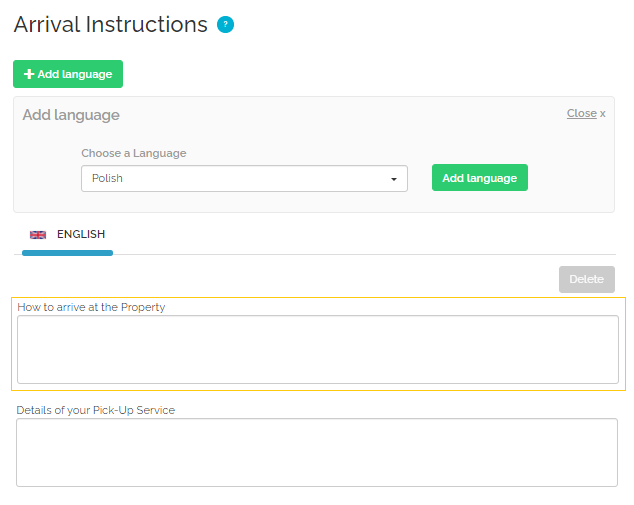
Arrival instructions refers to all the necessary information the guest should be aware of when arriving at the property. The section is a free text field, hence you should include all the details that are worth mentioning for a person arriving for the first time in this location. Consider describing available means of transportation, the public transportation routes in the neighbourhood, temporary road diversions or cut-offs, location of entrance if it is difficult to spot and so on.
For your guests and property safety - do not mention here any sensitive or security information, such as exact directions to the lockbox, entrance passcodes, instructions to exchange keys and so on. Such information should be shared privately, directly with the guest, after they make a booking.
Arrival instructions provided from TRACK will be saved in English.
|
|
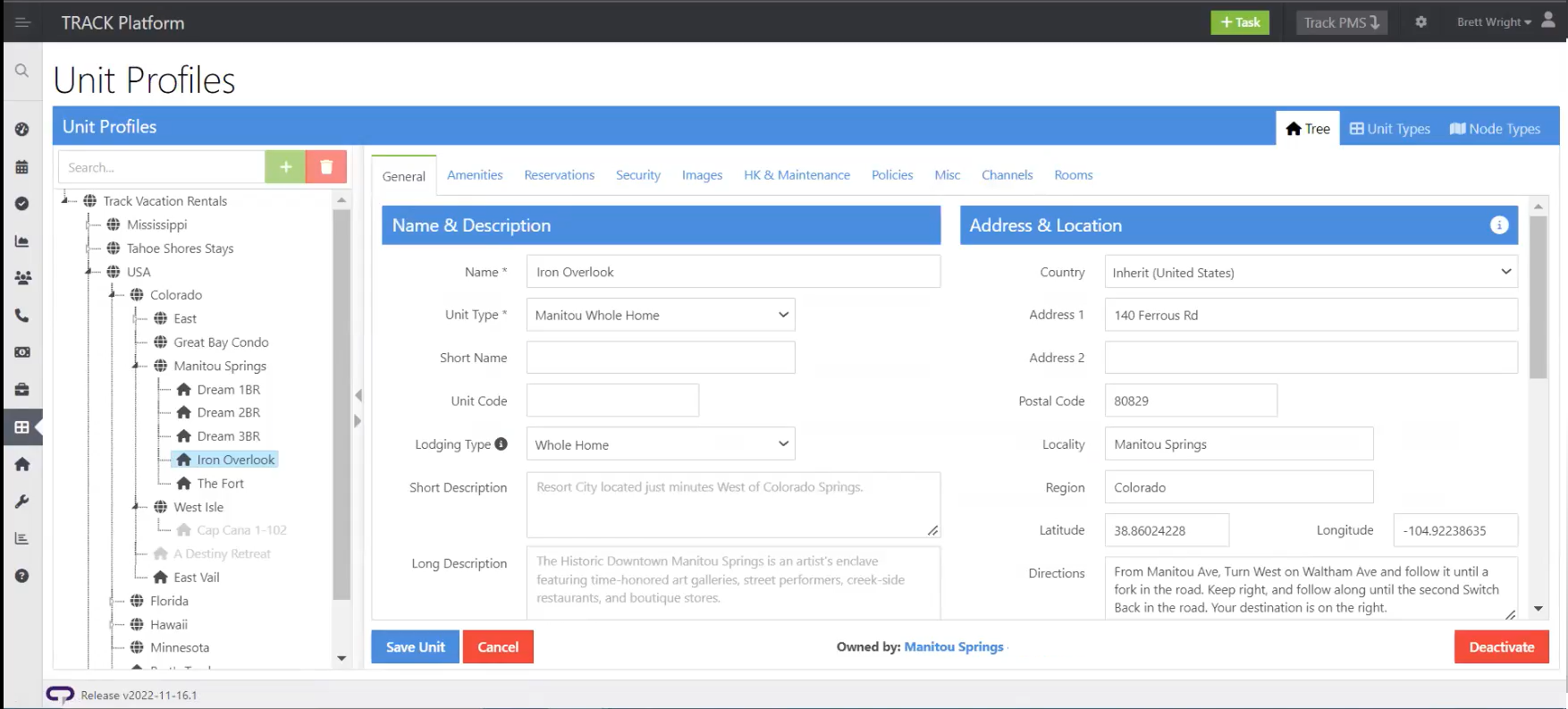
In TRACK: Unit Profiles > Select Property > General > Address & Location > Directions |
Pick-up service (N/A)
Normal check-in and check-out times

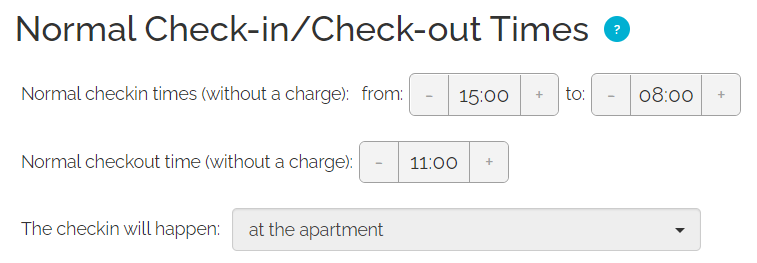
In the Normal check-in and check-out times settings, it is possible to specify the detailed time ranges when guests can check in or check out without any additional charges.
Normal check-in and check-out times are partially synchronized. This information will be always set to:
-
Check-in-to: 23:59
-
Check-in place: at the property
If you want to change this, you can update this information directly in the Rentals United platform.
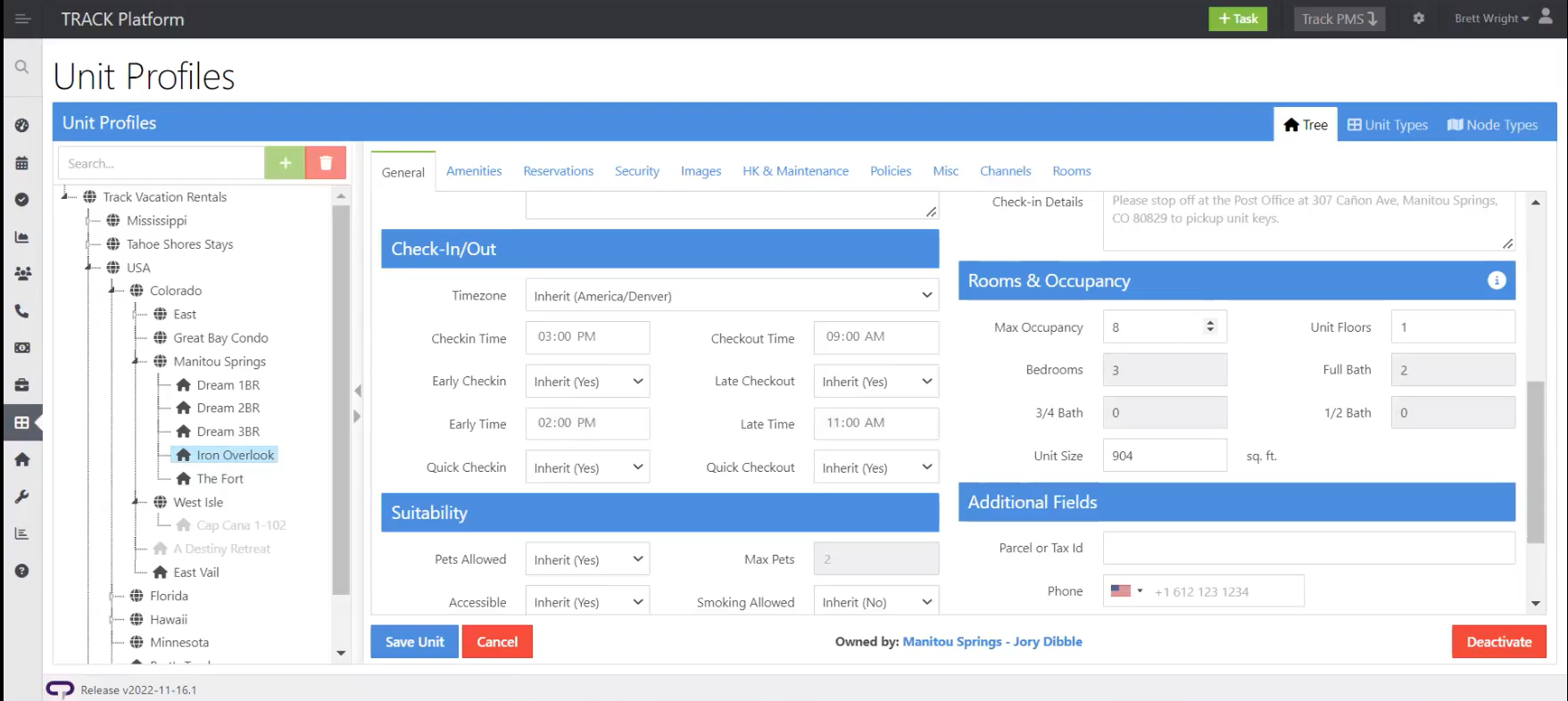
The remaining data are synchronized from TRACK in the following format.
|
|
In TRACK: Unit Profiles > Select Property > General > Check-In/Out > Checkin Time & Checkout Time |
Late check-in and early check-out fees (N/A)
