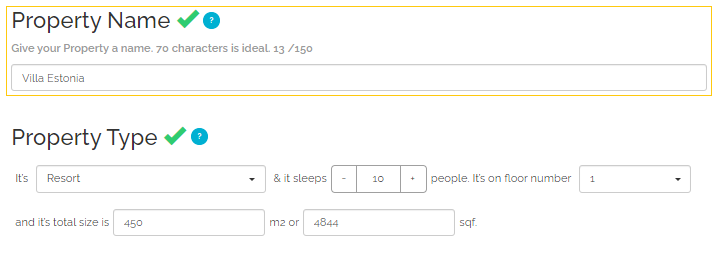
Property name

Property name is the basic characteristic that differentiates the property from others and will be displayed across all the Sales Channels the property is connected to. The maximum length of the Property name field in Rentals United is 150 characters, yet for the best performance Rentals United recommends providing a name of approximately 70 characters.
For Booking.com:
-
Property name is synchronized as the hotel name;
-
It has to contain at least one lower case letter;
-
Invalid characters such as emojis or symbols (e.g. ‘★’, ‘+’) are removed.
Property type
In the Property type field, it is possible to select the property’s category from the specified set.
| Rentals United | Rentals United ID | Booking.com Hotel Category | Hotel Category ID | Booking.com Room Type | Room Type ID |
|---|---|---|---|---|---|
| All-Inclusive resort | 2 | apartment | 3 | apartment | 1 |
| All suite | 1 | apartment | 3 | apartment | 1 |
| Aparthotel | 63 | aparthotel | 5000 | apartment | 1 |
| Apartment | 3 | apartment | 3 | apartment | 1 |
| Bed and breakfast | 4 | bed and breakfast | 4 | apartment | 1 |
| Boat | 64 | boat | 12 | apartment | 1 |
| Bungalow | 71 | holiday home | 5006 | apartment | 1 |
| Cabin | 70 | holiday home | 5006 | apartment | 1 |
| Camping | 66 | camping | 6 | apartment | 1 |
| Castle | 37 | holiday home | 5006 | apartment | 1 |
| Chalet | 7 | chalet | 7 | holiday home | 29 |
| Condominium | 8 | apartment | 3 | apartment | 1 |
| Cottage | 65 | holiday home | 5006 | holiday home | 29 |
| Guest house | 16 | guest house | 40 | apartment | 1 |
| Hotel | 20 | hotel | 20 | apartment | 1 |
| House | 67 | holiday home | 5006 | holiday home | 29 |
| Lodge | 22 | lodge | 22 | holiday home | 29 |
| Loft | 75 | apartment | 3 | apartment | 1 |
| Mobile-home | 25 | camping | 6 | holiday home | 29 |
| Private room in apartment | 68 | apartment | 3 | apartment | 1 |
| Recreational vehicle | 73 | holiday home | 5006 | apartment | 1 |
| Resort | 30 | resort | 30 | apartment | 1 |
| Riad | 72 | riad | 5001 | apartment | 1 |
| Ryokan | 74 | ryokan | 5002 | apartment | 1 |
| Shared room | 69 | hostel | 19 | bed in dormitory | 26 |
| Townhouse | 76 | holiday home | 5006 | apartment | 1 |
| Tent | 33 | tented | 33 | tent | 33 |
| Vacation home | 34 | holiday home | 5006 | holiday home | 29 |
| Villa | 35 | villa | 35 | villa | 31 |
Note: For the following Booking.com property types:
-
apartment and aparthotel, it is required for the property to have a kitchen or a kitchenette
-
lodge, villa and holiday home, it is recommended for the property to have a kitchen or a kitchenette
|
|
Maximum number of guests
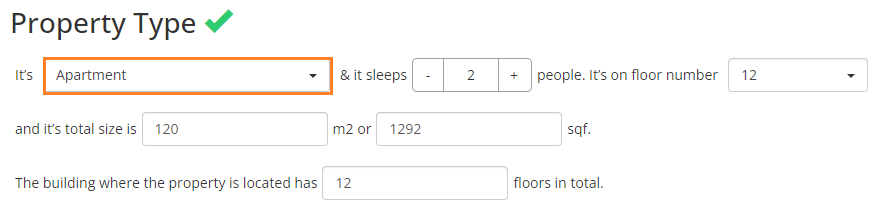
Maximum number of guests denotes the maximum capacity of the property. It is often compared against the number of beds available in the property and may limit the LOS pricing variants.
For Booking.com, Maximum number of guests value takes important part in creation of rates. Read more about rates in [%=Chapters.Categorization%].
|
|
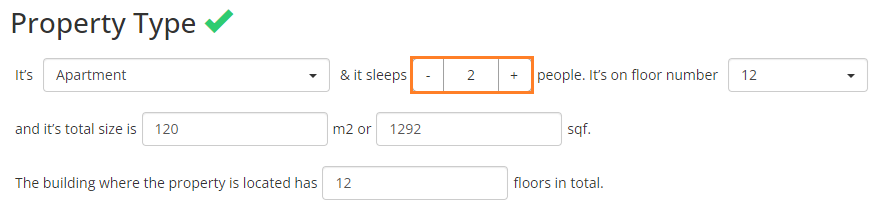
Floor number (N/A)
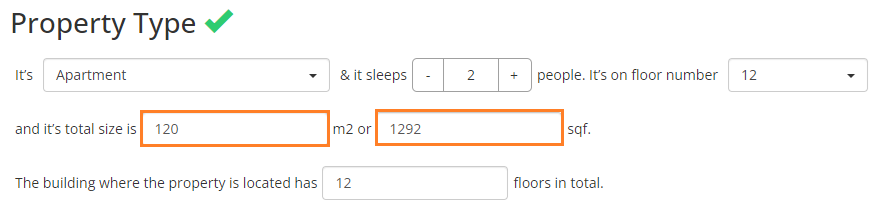
Total floor number
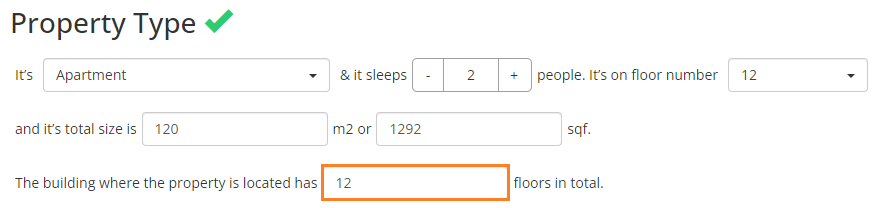
Total floor number indicates the total number of floors in the building where the property is located. The total number of floors is important to guests for practical reasons like room location, accessibility, safety, and access to amenities. It helps them make informed choices about their stay, based on their preferences and needs.
|
|
Property size
Property size denotes the size of the property, provided either in square meters (m2) or square feet (sqft).
Address

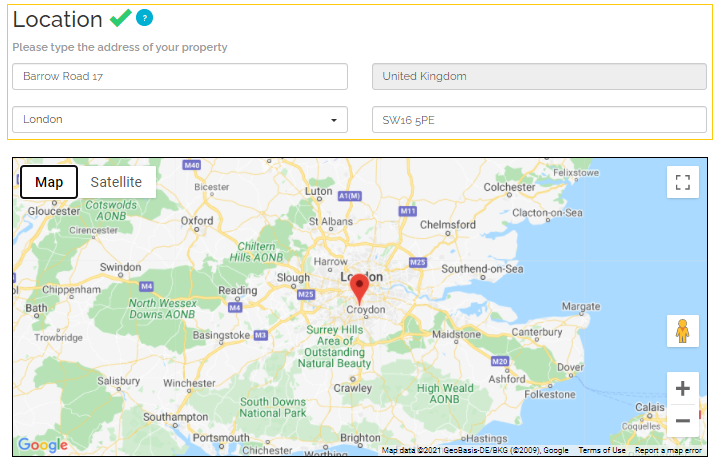
Address constitutes a part of the location data and consists of several elements which denote the detailed location of the property.
The property's address is set in Booking.com only once - upon initial property's connection to Booking.com (both when adding the property and mapping). It means that after the property is connected to Booking.com, it is not possible to change its address. If you need to edit the address, you should contact the Booking.com support. This is because Booking.com does not accept address updates after the property gets listed. More information can be found in Booking.com API Documentation.
Note: The following city names are being replaced in location address with their Greek versions:
-
Yeni Iskele → Trikomo
-
Barfa → Vokolidha
-
Girne → Kyrenia
Geo-coordinates
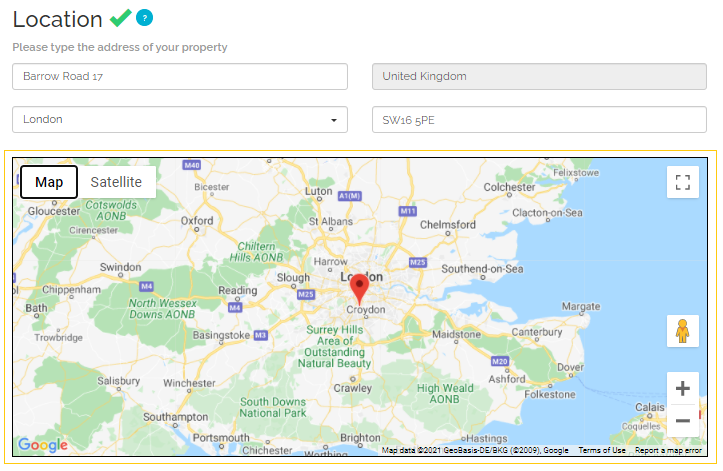
Geo-coordinates refer to the position on the Earth, so that the property location is precisely indicated. Geo-coordinates consist of longitude and latitude. In Rentals United, they constitute a part of the location data.
The property's coordinates are set in Booking.com only once - upon initial property's connection to Booking.com (both when adding the property and mapping). It means that after the property is connected to Booking.com, it is not possible to change its coordinates. If you need to edit the coordinates, you should contact the Booking.com support. This is because Booking.com does not accept coordinates updates after the property gets listed. More information can be found in Booking.com API Documentation.
Licence number
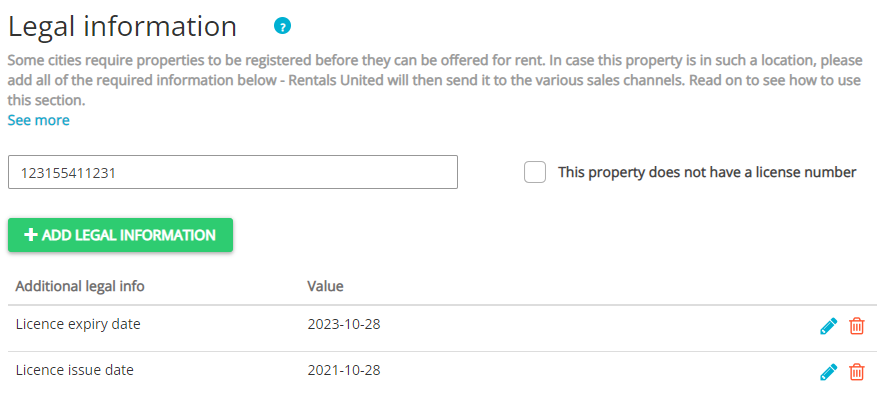
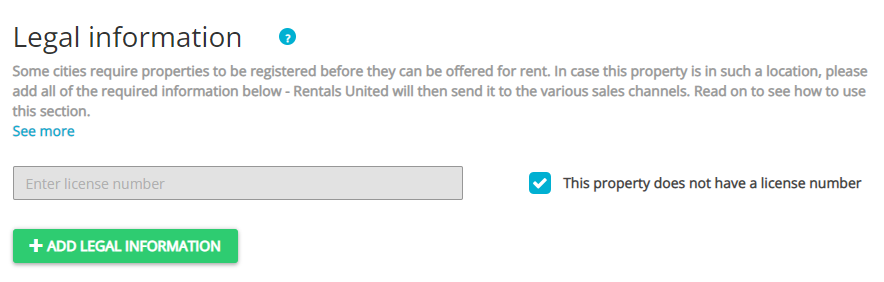
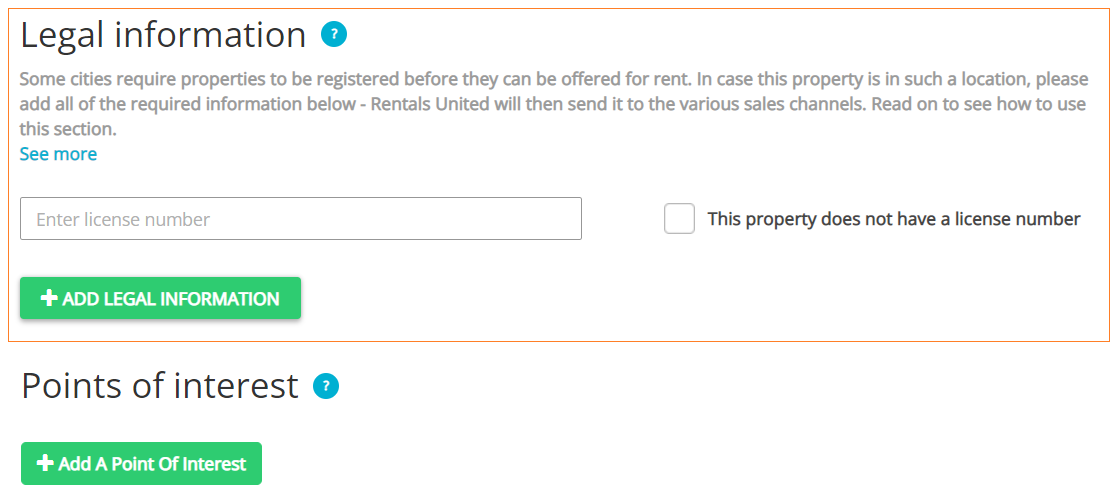
Licence number refers to the property registration number. It needs to be provided if the property is located in a jurisdiction where registration is required. Bear in mind that it is a highly important part of your property's data. Providing this information in an incorrect format or skipping it if mandatory will result in the channel blocking your listing from going live. To avoid errors, bear in mind the following recommendations:
-
ensure that all channel-required information are provided in Legal information section in Rentals United
-
ensure that the licence number is exactly the same as issued by the government
-
ensure that the licence format is correctly provided to Rentals United
-
licence issue and expiry dates can be provided separately by selecting relevant options in Rentals United (Licence issue date and Licence expiry date)
Booking.com requires specific license information to publish your listings. The required details depend on your property's location and local government regulations. If mandatory license data is missing or formatted incorrectly, Booking.com will block your listing from going live.
Check below what legal information are required for properties located in certain locations and make sure to proceed as instructed. You may also refer to the Booking.com Help for more information.
If the region where you have your property is not listed below, you should provide the following information:
-
Make sure your Company Profile is filled in (see here).
-
Provide the basic information, such as licence number, issue date, expiry date
-
Check the exemption box and provide an exemption reason (in case you are exempt).
If the provided information is not enough, consult the local authorities for details or contact the Rentals United Support Team.
From Additional legal info dropdown, select the USA - New York Borough option and provide one of the following:
-
Queens
-
Manhattan
-
The Bronx
-
Staten Island
-
Brooklyn
From Additional legal info dropdown, select the Exemption reason option and set it to New York Class B.
-
If you are not exempt:
-
Provide Licence number in the text box.
-
-
If you are exempt from licensing:
-
Check in the This property does not have a licence number checkbox.
-
Click Add legal information button.
-
Then, from Additional legal info dropdown, select the Exemption reason option.
-
Long term bookings only
-
-
-
If you are not exempt:
-
Provide Licence number in the text box.
-
-
If you are exempt from licensing:
-
Check in the This property does not have a licence number checkbox.
-
Click Add legal information button.
-
Then, from Additional legal info dropdown, select the Exemption reason option.
-
Long term bookings only
-
-
-
If you are not exempt:
-
Provide Licence number in the text box.
-
-
If you are exempt from licensing:
-
Check in the This property does not have a licence number checkbox.
-
Click Add legal information button.
-
Then, from Additional legal info dropdown, select the Exemption reason option.
-
Long term bookings only
-
-
-
If you are not exempt:
-
Provide Licence number in the text box.
-
-
If you are exempt from licensing:
-
Check in the This property does not have a licence number checkbox.
-
Click Add legal information button.
-
Then, from Additional legal info dropdown, select the Exemption reason option.
-
Long term bookings only
-
-
-
If you are not exempt:
-
Provide Licence number in the text box.
-
-
If you are exempt from licensing:
-
Check in the This property does not have a licence number checkbox.
-
-
If you are not exempt:
-
Provide Licence number in the text box.
-
-
If you are exempt due to long-term rentals:
-
Check in the This property does not have a licence number checkbox.
-
Click Add legal information button.
-
Then, from Additional legal info dropdown, select the Exemption reason option.
-
Long term bookings only
-
-
-
If you are exempt due to other reasons:
-
Check in the This property does not have a licence number checkbox.
-
-
If you are not exempt:
-
Provide Licence number in the text box.
-
-
If you are exempt from licensing:
-
Check in the This property does not have a licence number checkbox.
-
Click Add legal information button.
-
Then, from Additional legal info dropdown, select the Exemption reason option.
-
Long term bookings only
-
-
-
If you are not exempt:
-
Provide Licence number in the text box.
-
Click Add legal information button.
-
Provide the following information:
-
USA - Folly Beach Registration Permit
-
-
-
If you are exempt from licensing:
-
Check in the This property does not have a licence number checkbox.
-
Click Add legal information button.
-
Then, from Additional legal info dropdown, select the Exemption reason option.
-
Long term bookings only
-
-
-
If you are not exempt:
-
Provide Licence number in the text box.
-
Click Add legal information button.
-
From Additional legal info dropdown, select the USA - Washington D.C. Classification option.
-
Select one of the following types:
-
Short Term Rental
-
Short Term Rental - Vacation Rental
-
Lodging Business Licence
-
-
Points of interest (N/A)
