Photos are synchronized from Escapia to Rentals United as part of the static data synchronization. Note that majority of Sales Channels have specific requirements with regard to the property photos. Please, refer to the Channel Integrations.
Also, read the below rules carefully:
-
Rentals United receives each image from Escapia in a number of sizes, hence always the largest resolution is taken into account. The largest resolution is indicated by the DimensionCategory="Original" element.
Tip: In case images coming to Rentals United are too small, they are exactly like that in Escapia and the property manager should update them directly in Escapia. -
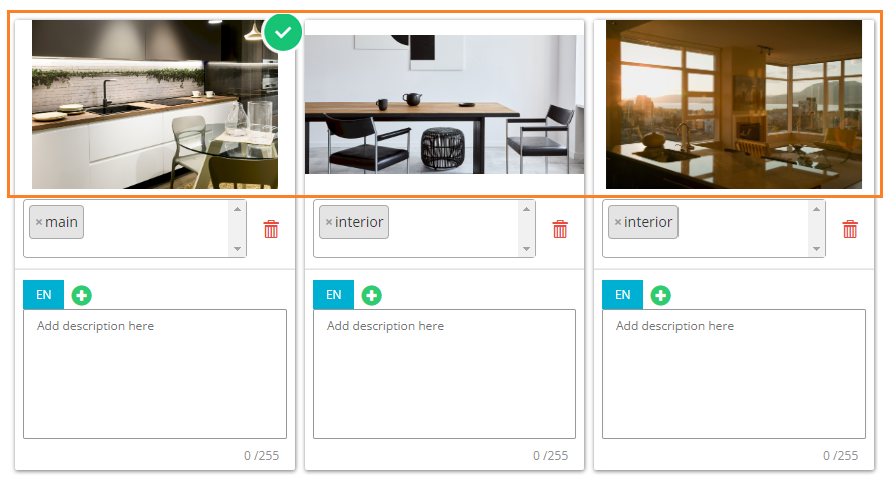
Image marked as “main” and “interior” in Escapia is set as the main image in Rentals United. In case there is no image marked as “main” and “interior” in Escapia, the image marked as “main” and “exterior” in Escapia is set as the main image in Rentals United. In case no image is marked as “main” in Escapia, the first image in the XML response will be set as the "main" image in Rentals United.
-
The images are marked as "exterior" or "interior" depending on the presence of <ImageItem Category = "Interior"> in the feed coming from Escapia. If <ImageItem Category = "Interior"> is there, then the image is marked as interior in Rentals United. All other images are marked as exterior.
-
The images marked as "exterior" will be displayed before the images marked as "interior".
-
Captions are synchronized from two parts: <Description Caption=" "> value, e.g. "Romantic and Comfortable" and the contents of <Description> element, e.g. Living room with HDTV.
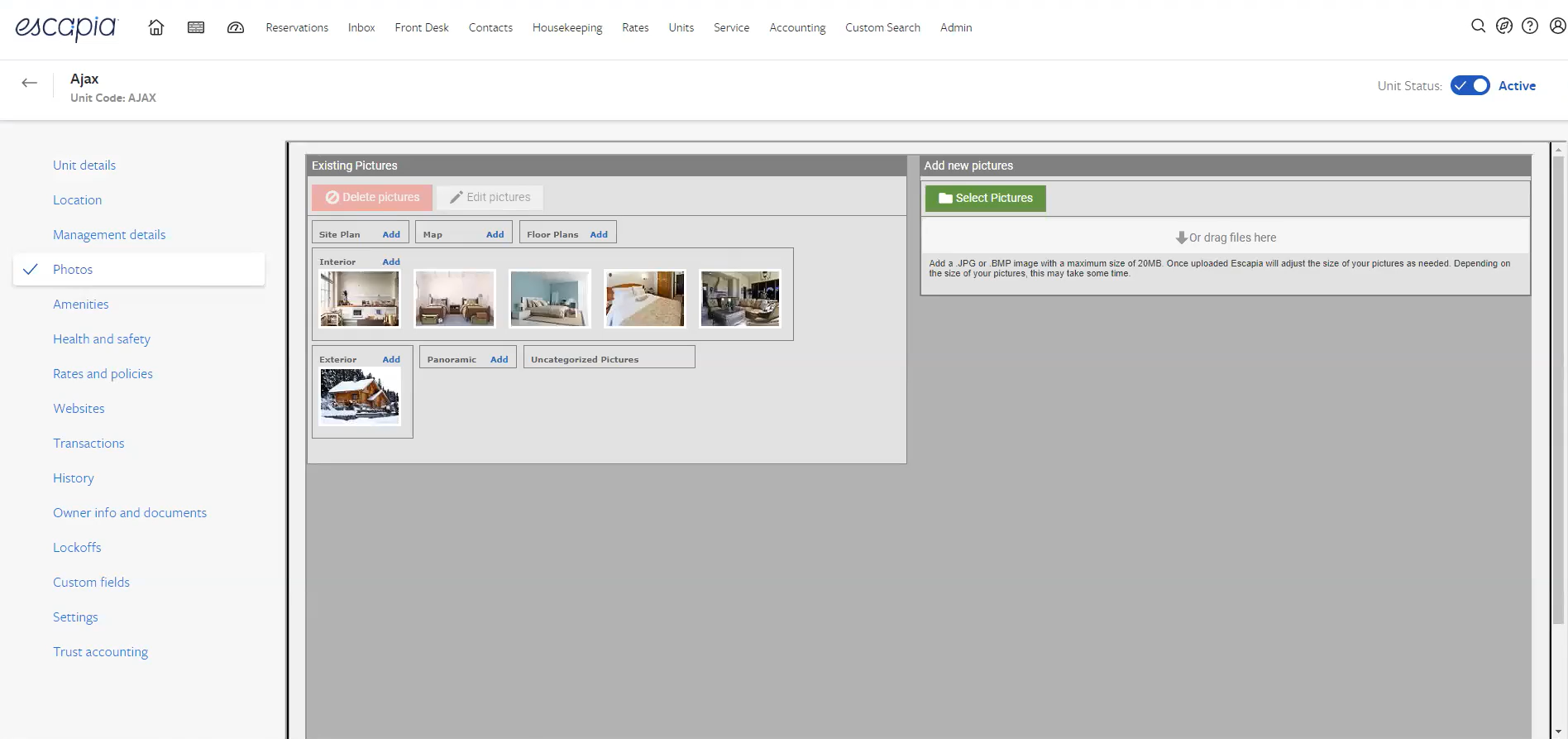
Photos are synchronized from the Pictures tab in Escapia.
|
|
In Escapia: Units > Select property > Photos |