If you are experiencing incorrect pricing or no pricing at all when visiting the Sales Channel dashboard, it is recommended first to manually send availability and pricing.
-
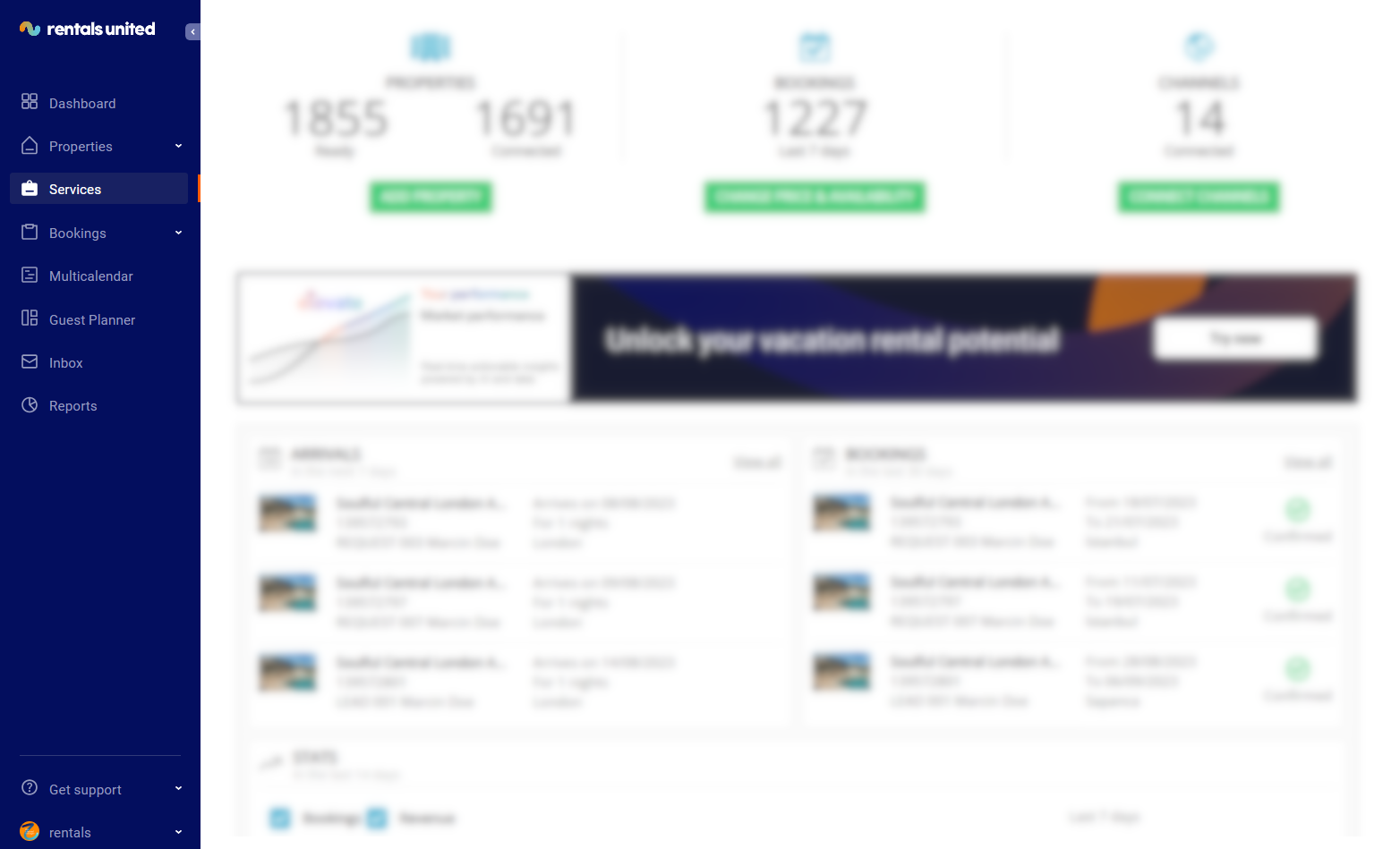
In Rentals United platform, go to the Services tab.
-
Select the proper list to search for Sales Channel.
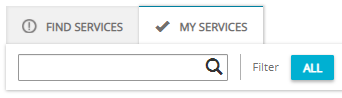
- Find Services lists the channels you are not yet connected to,
- My Services lists the channels which you have already established connection with and channels that are in the process of being connected.
- Type the Sales Channel name in the search box or scroll down through the list of available channels.
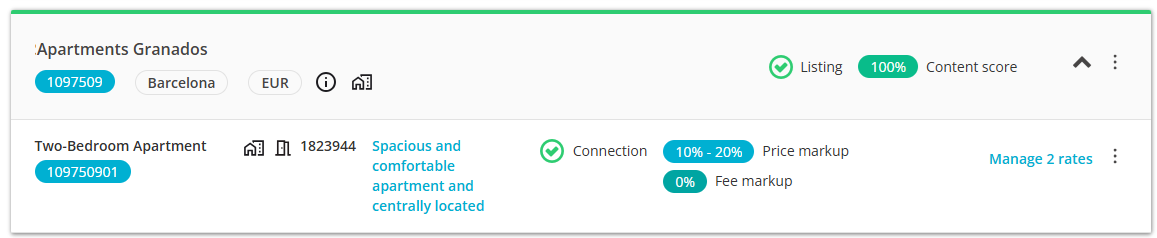
- Unfold the Sales Channel section by clicking the Down arrow button.
-
Click the Property Settings button.

-
Click the Manage rates button.
- Scroll down to the Manual options section and click the Activate manual options button.
-
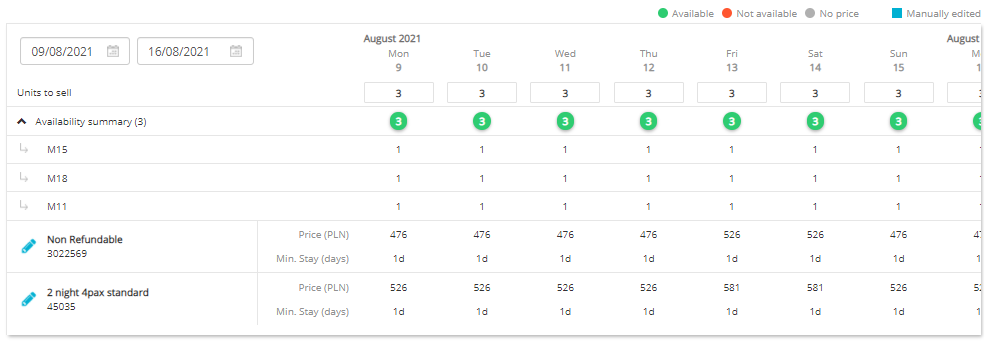
Select the time range from the current date to 365 days in advance, for example from 15th September 2017 to 15th September 2018, and click the Batch edit button.
-
Select the rate you wish to trigger an update for.
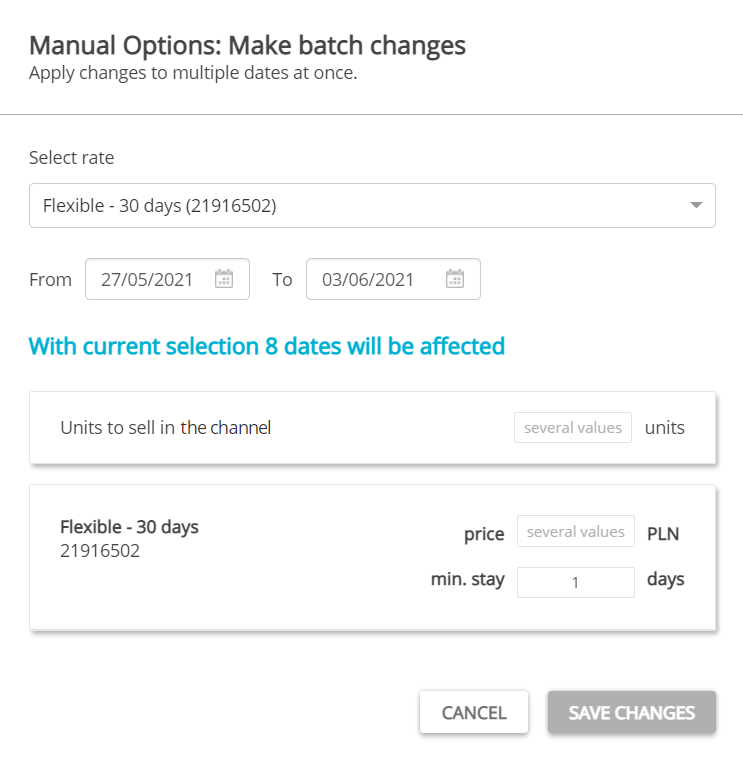
- Do not introduce any changes!
-
Confirm by clicking the Save my changes button.
Note: At this point, it is possible to verify the exact price that is sent to Sales Channel every day. They should be the same as the ones in the channel. If they are not, verify whether you have some discounts or additional fees defined in Sales Channel dashboard that may influence the price. If you need help, contact the Sales Channel Account Manager. - The prices in Sales Channel should update within 10 minutes. If not, contact the Rentals United Support Team.