It may sometimes happen that you expect your properties to be visible on the channel website, but for some reason you cannot find them. This article describes possible reasons why you cannot see your properties on the sales channel. Make sure to check them all before you create a ticket.
-
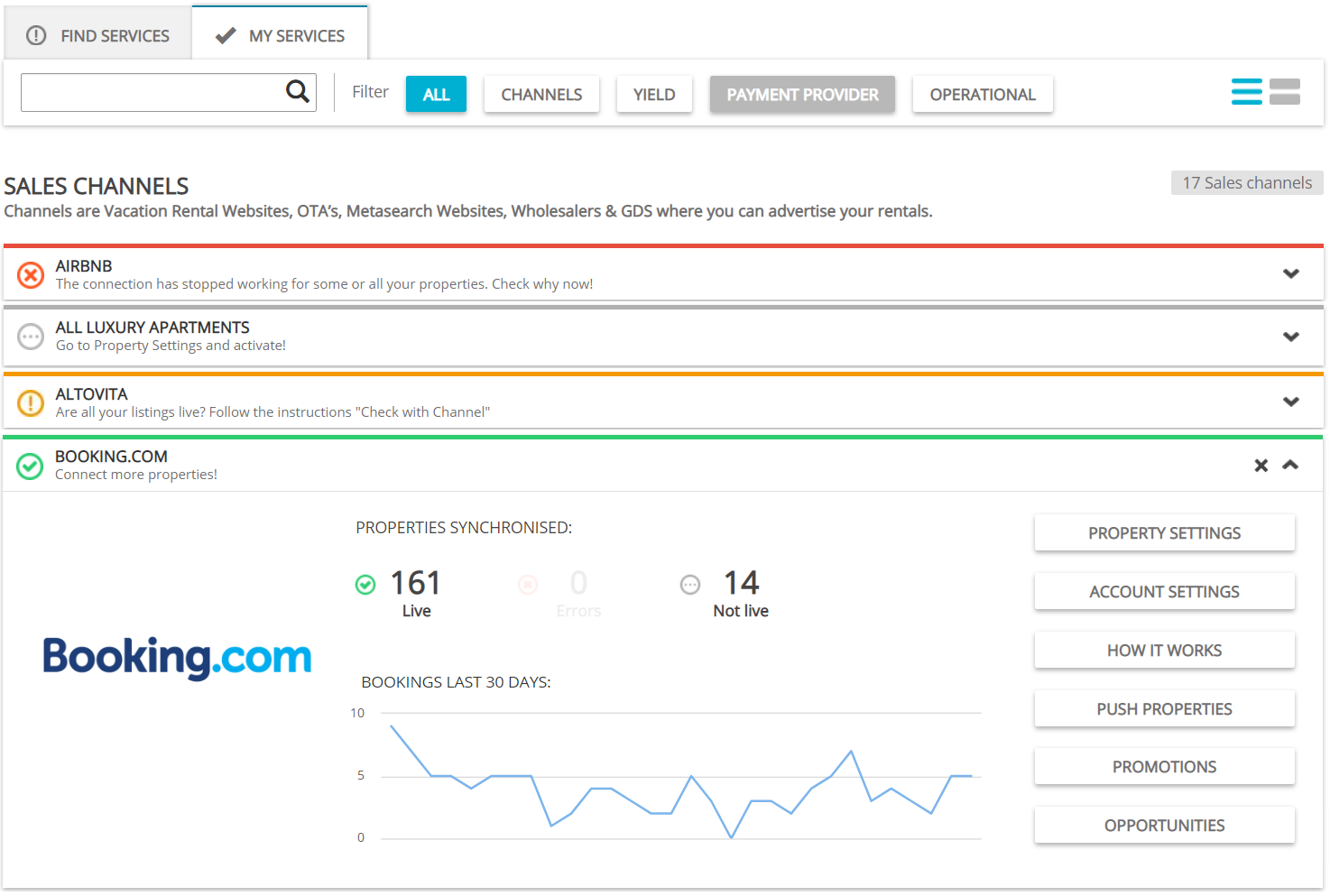
Make sure that you are connected to the channel.
Go to Services and find the channel you are interested in. Make sure that you have connected to this channel. If you did not, you will see a Get connected button in the channel section. It means you have not yet started working with this channel via Rentals United. You can see exemplary connecting instructions for Booking.com.
-
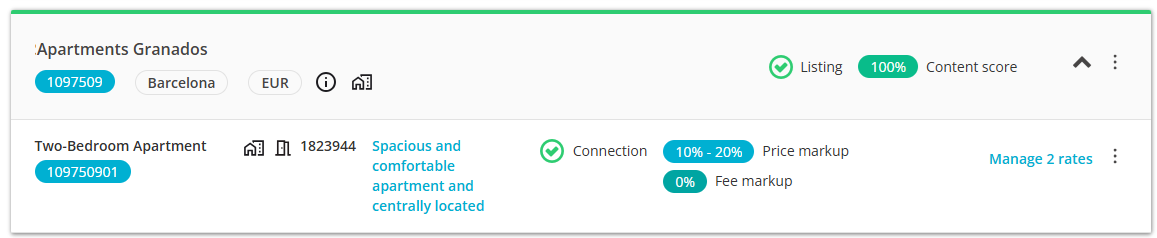
Make sure that your property is connected to the channel.
Once you are in Services, find the channel you are interested in and go to Property Settings. Make sure that the missing property is connected to the channel. If it is, you will find it in the Property Settings list. You can find it by its property ID. If you cannot find it, it means it is not added to the channel. You can see exemplary instructions to add property to Booking.com (alternatively, if your property already exists in the channel, you can see the mapping instructions).
-
Make sure that the rate name is the same as in the channel and the rate is active.
If you found your property, now click the Manage or Manage rates button. The rate page is opened for you. make sure that the rate name is the same as in the channel and that the rate is active.
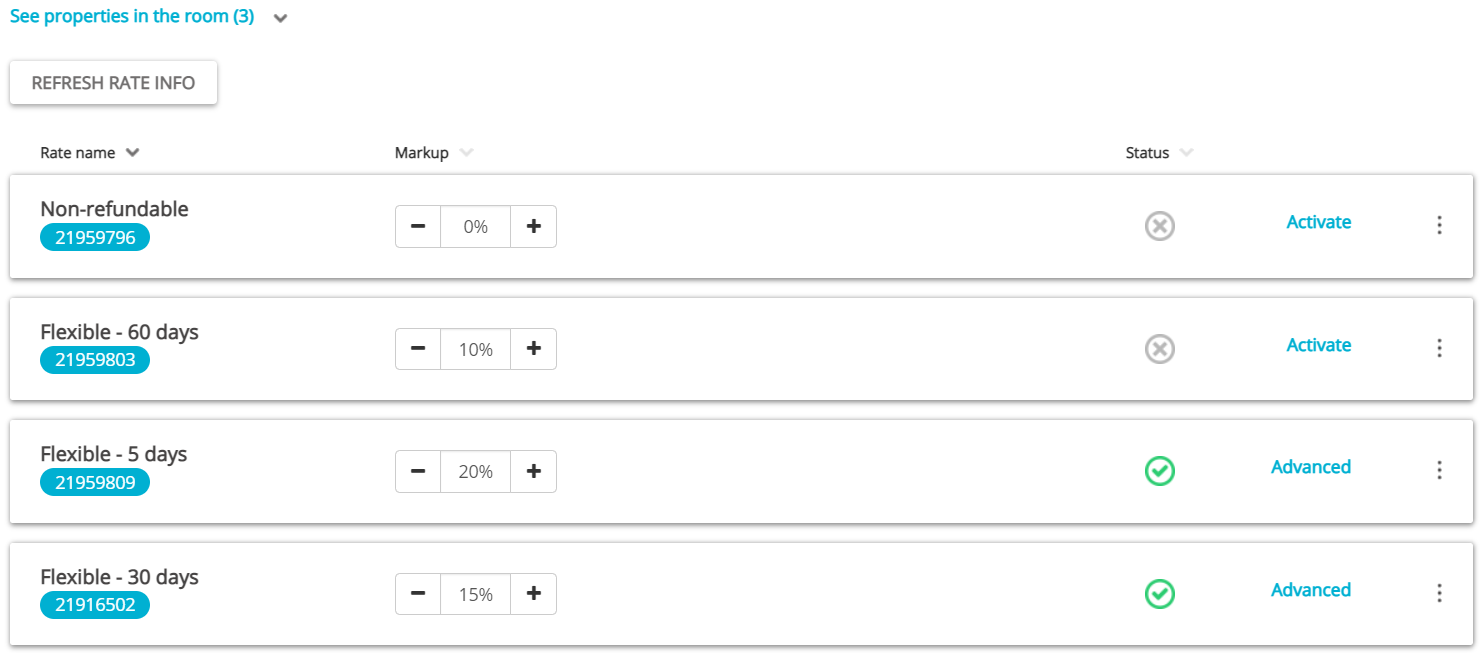
If the names are different or you cannot find the exact rate, you need to re-map your property. You can see the exemplary mapping instructions for Booking.com.