Property name

Property name is the basic characteristic that differentiates the property from others and will be displayed across all the Sales Channels the property is connected to. The maximum length of the Property name field in Rentals United is 150 characters, yet for the best performance Rentals United recommends providing a name of approximately 70 characters.
Airbnb will not accept the properties where the property names contain:
-
more than 50 characters
-
emojis or special characters
-
emails and phone numbers
-
website links
-
excessively capitalised words
more than 5 capitalised characters in a word e.g. APARTMENT
more than 3 capitalised words in a row e.g. THE BEST IN CLASS
use of capitalised characters and numbers e.g. BC2CR002AT
|
|
Property type
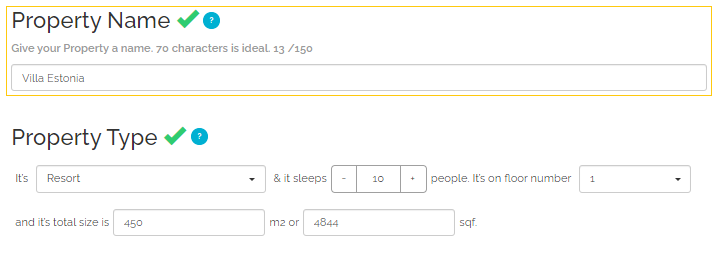
In the Property type field, it is possible to select the property’s category from the specified set.
After being reviewed, property types are mapped between Rentals United and Airbnb. See the below list and make sure that the property type you select in Rentals United is mapped correctly to Airbnb.
| Rentals United | Rentals United ID | Airbnb |
|---|---|---|
| All-Inclusive resort | 2 | condominium |
| All suite | 1 | condominium |
| Aparthotel | 63 | aparthotel |
| Apartment | 3 | apartment |
| Bed and breakfast | 4 | bnb |
| Boat | 64 | boat |
| Bungalow | 71 | bungalow |
| Cabin | 70 | cabin |
| Camping | 66 | campsite |
| Castle | 37 | castle |
| Chalet | 7 | chalet |
| Condominium | 8 | condominium |
| Cottage | 65 | cottage |
| Guest house | 16 | guesthouse |
| Hotel | 20 | hotel |
| House | 67 | house |
| Lodge | 22 | lodge |
| Loft | 75 | loft |
| Mobile-home | 25 | holiday park |
| Private room in apartment | 68 | apartment |
| Recreational vehicle | 73 | rv |
| Resort | 30 | resort |
| Riad | 72 | riad |
| Ryokan | 74 | ryokan |
| Shared room | 69 | hostel |
| Tent | 33 | tent |
| Townhouse | 76 | townhouse |
| Vacation home | 34 | house |
| Villa | 35 | villa |
Important notes:
-
If you select a property type which is not referenced in the list above, it will be set to Housein Airbnb.
-
If property type is set in Rentals United to House and the number of units is greater than 1, we will set the property to be Villa in Airbnb.
-
Property types are used to build the listing names in Airbnb. Depending on the property type you select, your listing will have either a private_room or entire_home room type assigned, which will affect its title. For example, if your property type is lodge, then the listing name in Airbnb will look the following: "Private room in a lodge".
|
|
Maximum number of guests
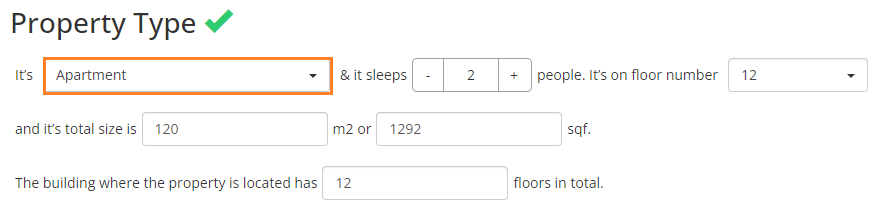
Maximum number of guests denotes the maximum capacity of the property. It is often compared against the number of beds available in the property and may limit the LOS pricing variants.
|
|
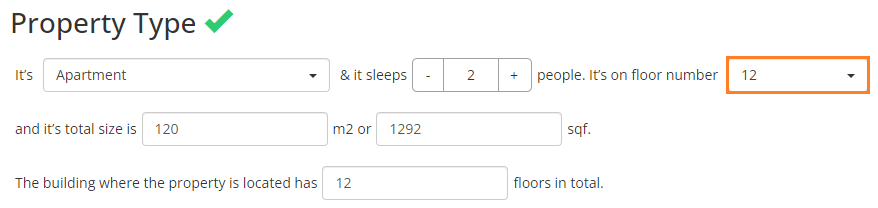
Floor number

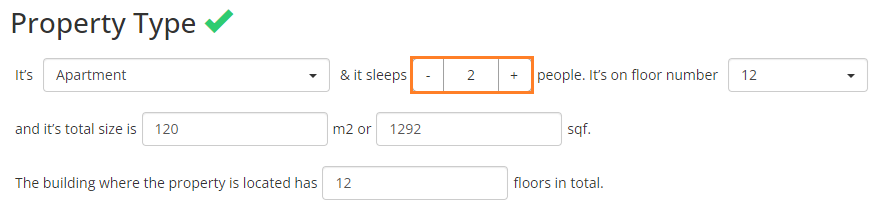
Floor number provides information about the building level the property is located on.
Airbnb does not accept the '0' floor number, therefore the values saved in Rentals United are increased +1 before sending them to Airbnb.
-
'Ground' or '0' in Rentals United is '1' in Airbnb
-
'1' in Rentals United is '2' in Airbnb
-
'2' in Rentals United is '3' in Airbnb
If the floor number is not provided or is set to 'Basement' or '-1', we will skip sending this information to Airbnb. In this case you should provide this information directly in the Airbnb extranet.
|
|
Property size
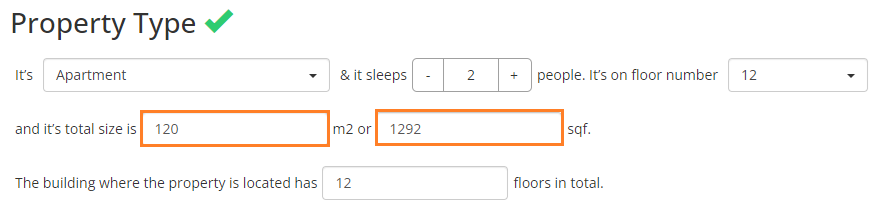
Property size denotes the size of the property, provided either in square meters (m2) or square feet (sqft).
Airbnb receives the property size details in the square meters format.
|
|
Address
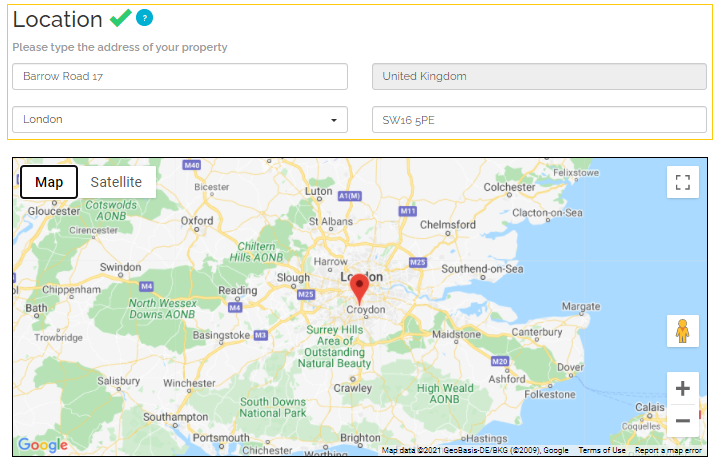
Address constitutes a part of the location data and consists of several elements which denote the detailed location of the property.
|
|
Geo-coordinates
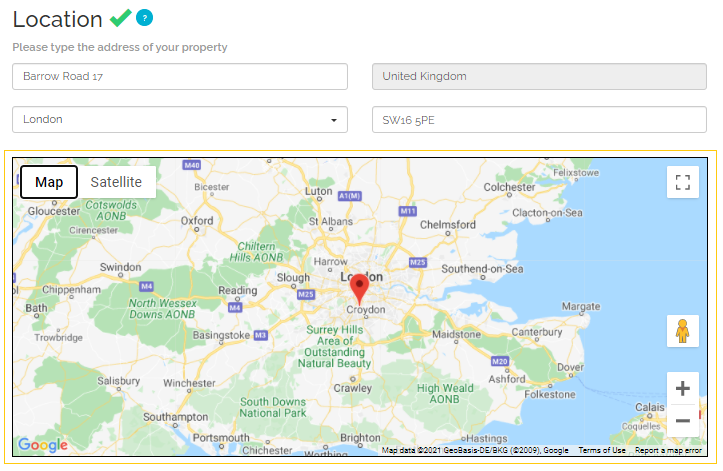
Geo-coordinates refer to the position on the Earth, so that the property location is precisely indicated. Geo-coordinates consist of longitude and latitude. In Rentals United, they constitute a part of the location data.
|
|
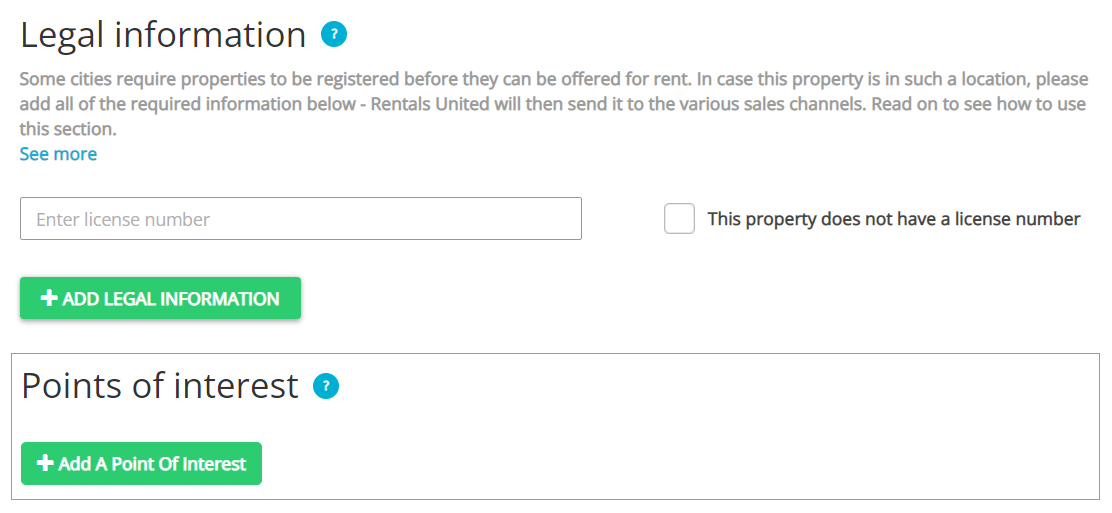
Licence number
Licence number refers to the property registration number. It needs to be provided if the property is located in a jurisdiction where registration is required. Bear in mind that it is a highly important part of your property's data. Providing this information in an incorrect format or skipping it if mandatory will result in the channel blocking your listing from going live. To avoid errors, bear in mind the following recommendations:
-
ensure that all channel-required information are provided in Legal information section in Rentals United
-
ensure that the licence number is exactly the same as issued by the government
-
ensure that the licence format is correctly provided to Rentals United
-
licence issue and expiry dates can be provided separately by selecting relevant options in Rentals United (Licence issue date and Licence expiry date)
Airbnb requires specific license information to publish your listings. The required details depend on your property's location and local government regulations. If mandatory license data is missing or formatted incorrectly, Airbnb will block your listing from going live.
Check below what legal information are required for properties located in certain locations and make sure to proceed as instructed.
If the region where you have your property is not listed below, you should provide the following information:
-
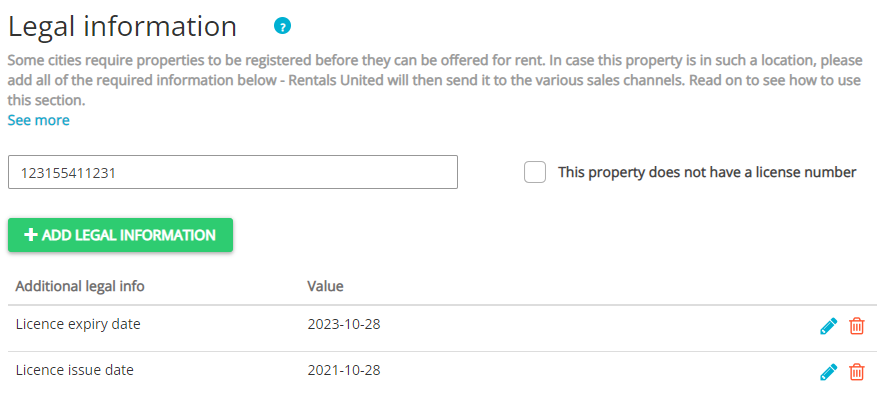
Make sure your Company Profile is filled in (see here).
-
Provide the basic information, such as licence number, issue date, expiry date
-
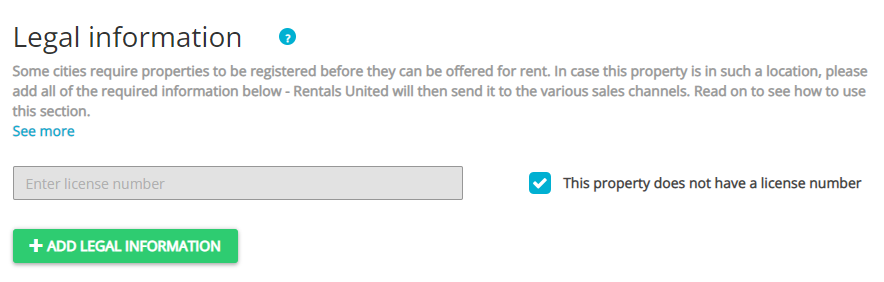
Check the exemption box and provide an exemption reason (in case you are exempt).
If the provided information is not enough, consult the local authorities for details or contact the Rentals United Support Team.
ence-USA-IsPropALicHot" style="font-weight: bold;" /> and choose Yes.Click Save.
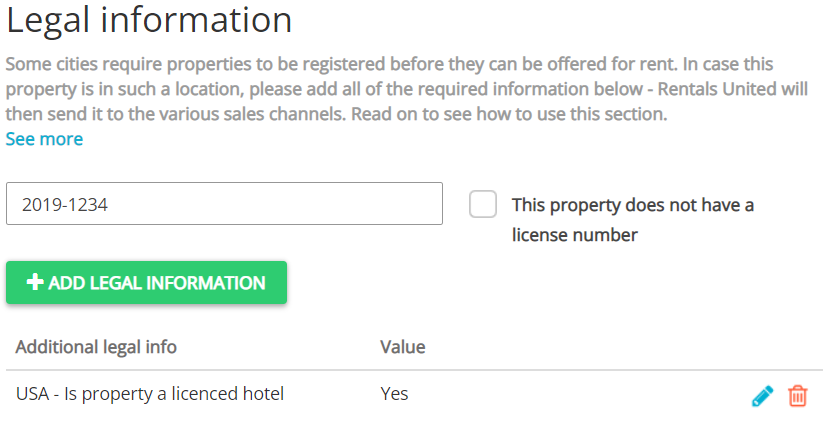
If you do not require a hotel / motel / inn / b&b licence
-
Provide Licence number in the text box.
-
Provide email (Company profile).
-
Provide company name (Company profile).
-
If you are exempt from licensing:
-
Check This property does not have a licence number.
-
Click Add legal information.
-
From Additional legal info dropdown, select the Exemption reason option.
-
Select one of the following reasons:
-
Hotel or motel
-
Bed and breakfast
-
-
Click Save.
-
Provide company name (Company profile).
-
Provide company email (Company profile).
-
-
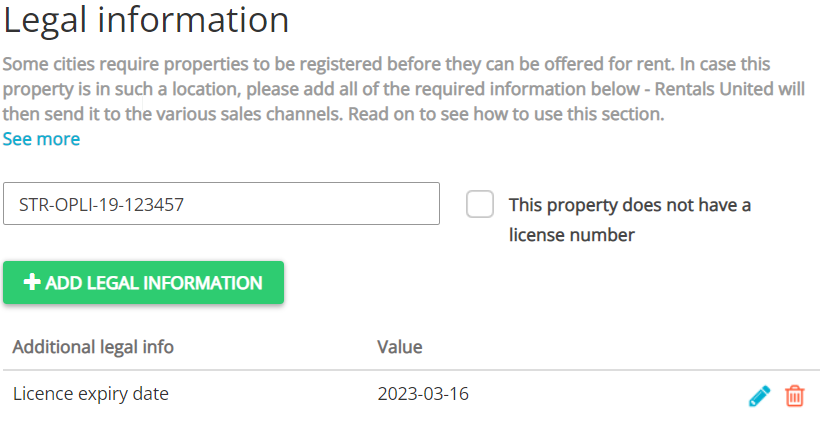
If you are not exempt:
-
Provide Licence number in the text box.
-
Click Add legal information.
-
From Additional legal info dropdown, provide Licence expiry date.
-
Click Save.
-
Provide company name (Company profile).
-
Provide company email (Company profile).
-
-
If you are exempt from licensing:
-
Check This property does not have a licence number.
-
Click Add legal information.
-
From Additional legal info dropdown, select the Exemption reason option.
-
Select one of the following reasons:
-
Hotel or motel
-
Bed and breakfast
-
-
Click Save.
-
There are two types of licences possible to provide in this location. Depending on its type, you should provide different information.
-
If you have an Unhosted (VR) licence only, provide it in the Licence number text box.
-
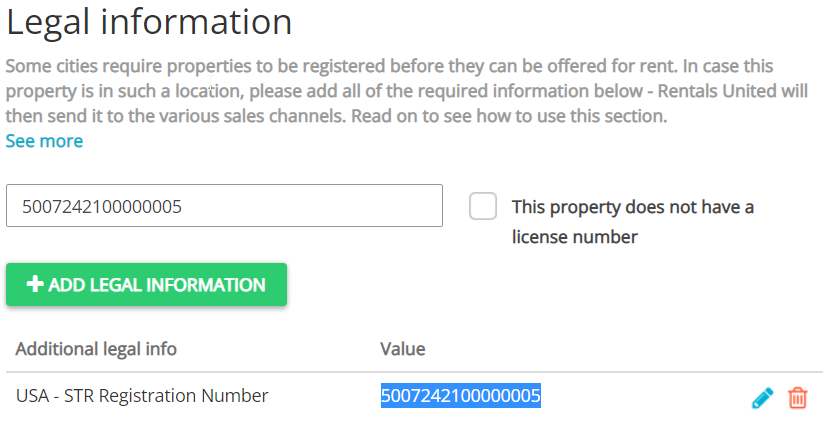
If you have a Hosted (STR) licence only:
-
Provide Hosted (STR) licence number in the Licence number text box.
-
Click Add legal information button.
-
Select USA - STR registration Number from the dropdown and provide Hosted (STR) licence number in it.
-
Click Save.
-
-
If you have both Unhosted (VR) and Hosted (STR) licences:
-
Provide Unhosted (VR) licence number in the Licence number text box.
-
Click Add legal information button.
-
Select USA - STR registration Number from the dropdown and provide Hosted (STR) licence number.
-
Click Save.
-
Points of interest
In Points of interest section, it is possible to provide details on facilities, points of interest and other attractions in the nearest area along with their approximate distance from the property.
Information added in Rentals United in this section will be added to Step 3: Description part and displayed in Airbnb.
|
|