In order to add a shared bathroom room in Airbnb, you need to follow the steps.
Log in to Rentals United and go to All properties.
Select the property to edit.
Go to Step 2: Amenities.
Scroll down to the Room-specific amenities section.
-
Add a bathroom.
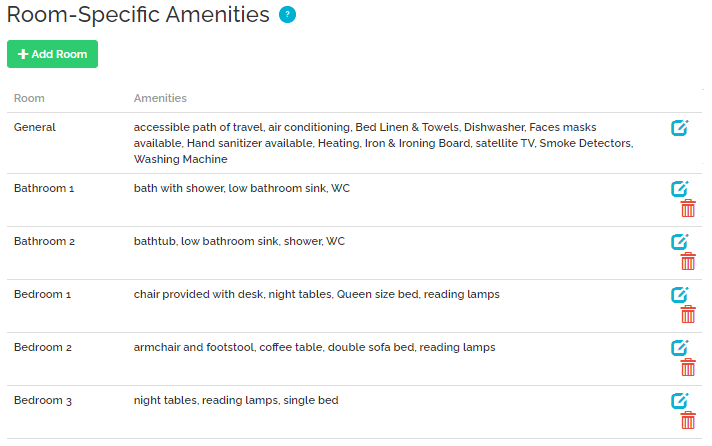 Note: If the bathroom is not available, check if the room is already present. If it is not, scroll up to the Composition section and increase the number of bathrooms.
 -
Add one of the following amenities to the bathroom:
Bathroom shared with other guests (ID 1857)
Bathroom shared with the host (ID 1858)
Bathroom shared with family, friends, roommates (ID 1859)
Save.