All your property photos are synchronised to My Website. However, My Website does not recognise the photo tags and will display the photos according to the photo order in Rentals United (the main photo tag will be ignored). Therefore, make sure that the main image is always available in Rentals United as the first one.
If the photo order in My Website needs to be changed, you can do it directly in the My Website management panel.
-
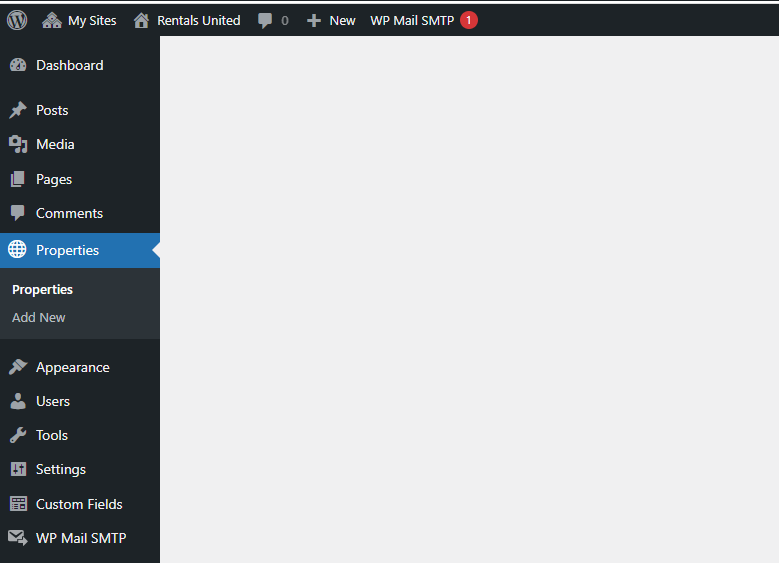
Go to Wordpress Admin and open the management menu.
-
Select Properties.
-
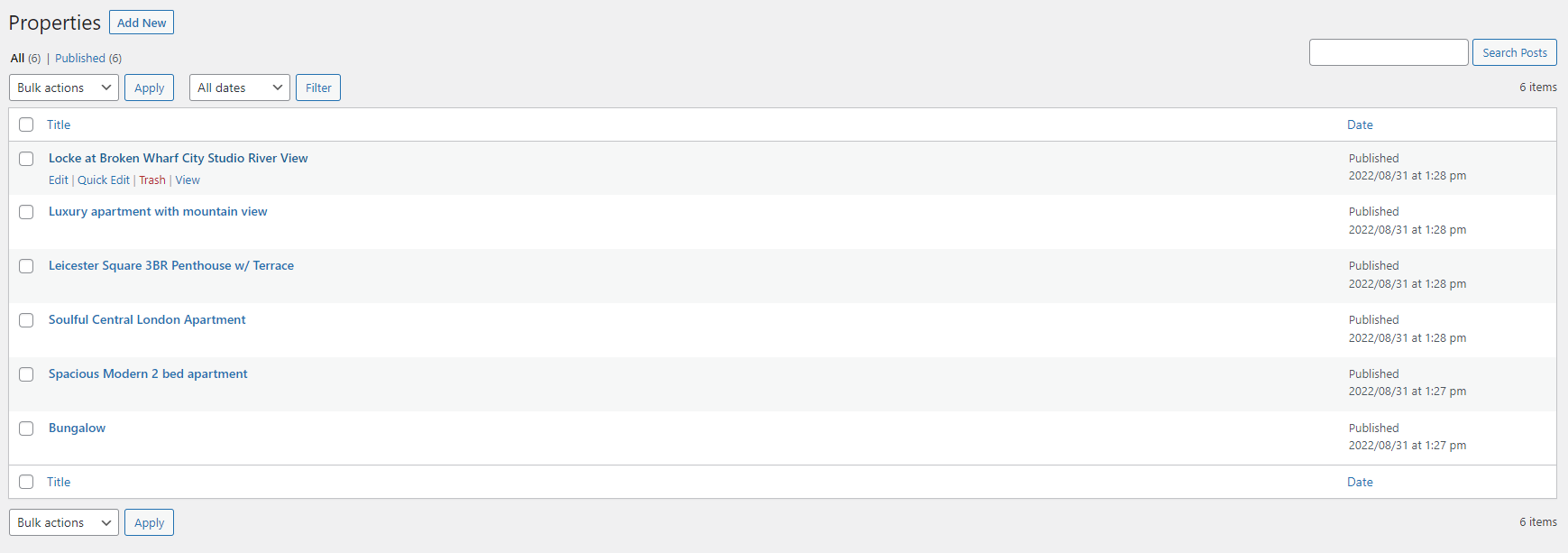
Hover over the property you want to update. From the management options, click Edit.
-
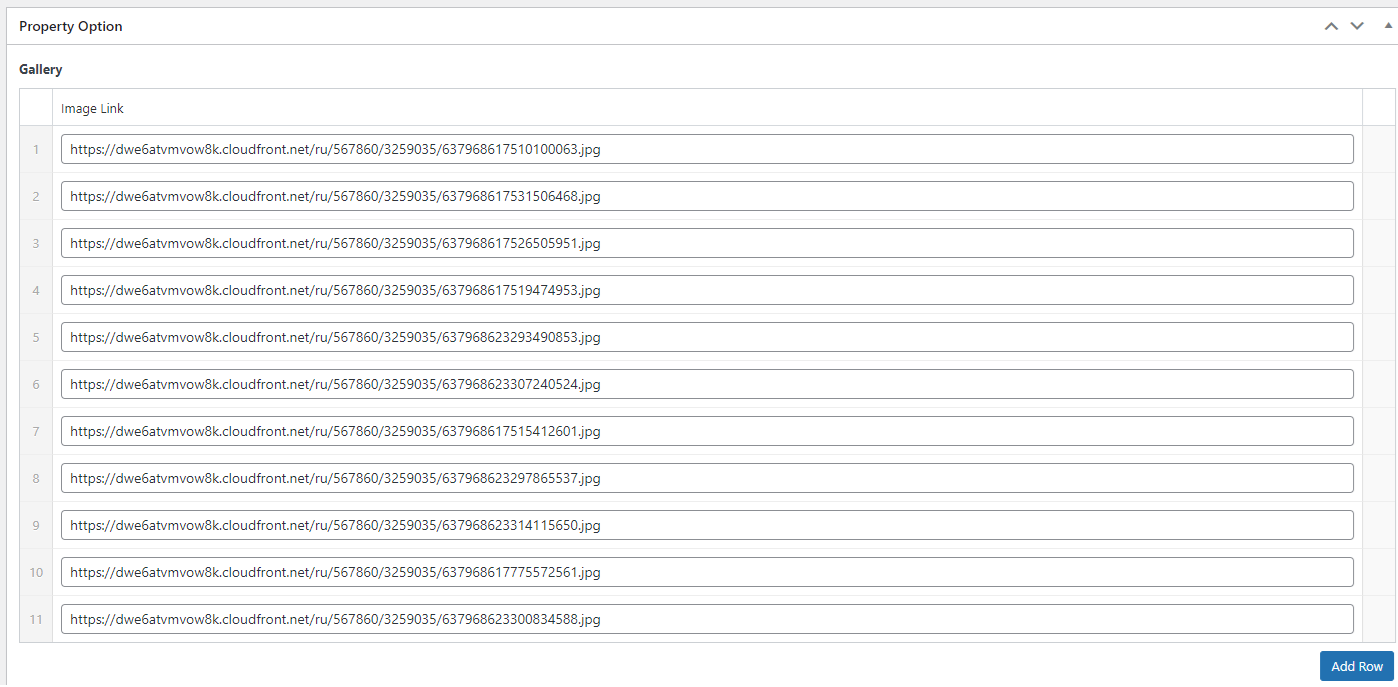
Advanced edit menu opens. Scroll down to the Gallery section.
-
Images display according to the assigned number. Grab the image row in the numbering area and drag it to the place where you want it to display.
-
Click
 to save the changes!
 -
Changes are immediately visible on your website.