-
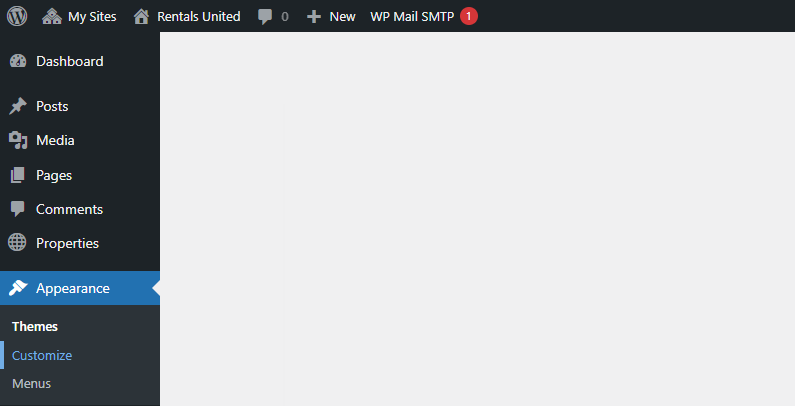
Go to Wordpress Admin and open the management menu.
-
Select Appearance > Customize.
-
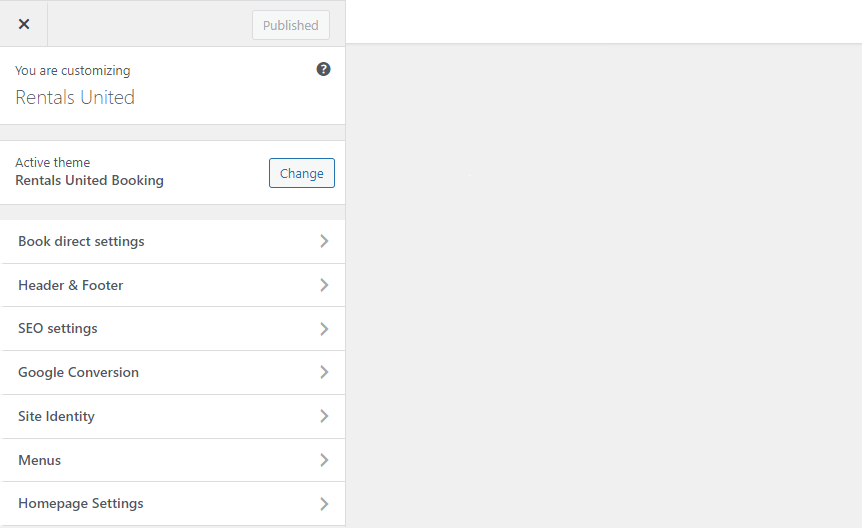
Open Header & Footer.
-
Select Footer. Provide the social media links.
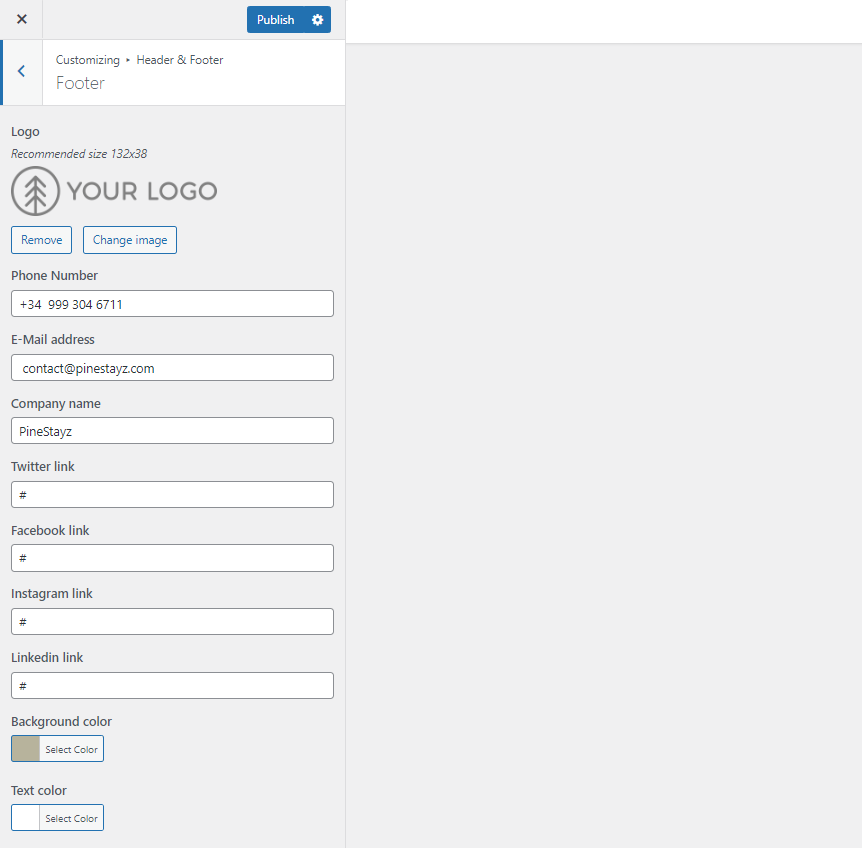 Tip: If you want to remove socials from your website, remove all the characters from the social media fields.
 -
Click
 to save the changes!
 -
Changes are immediately visible on your website.