Homepage colours
You can read more about homepage palette at Adjust searchbox.
Cross-site colours
-
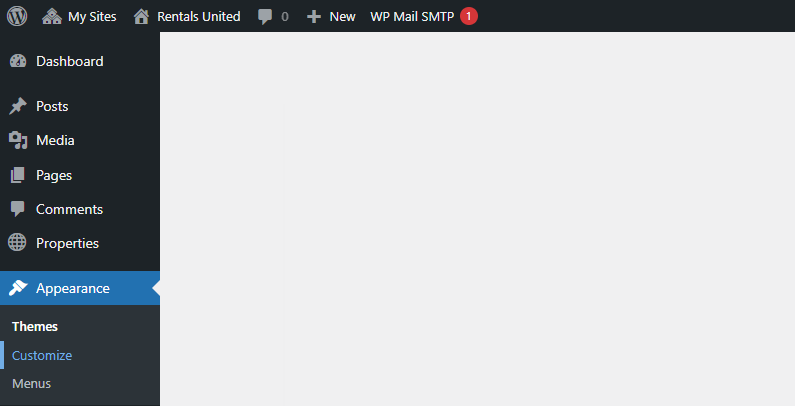
Go to Wordpress Admin and open the management menu.
-
Select Appearance > Customize.
-
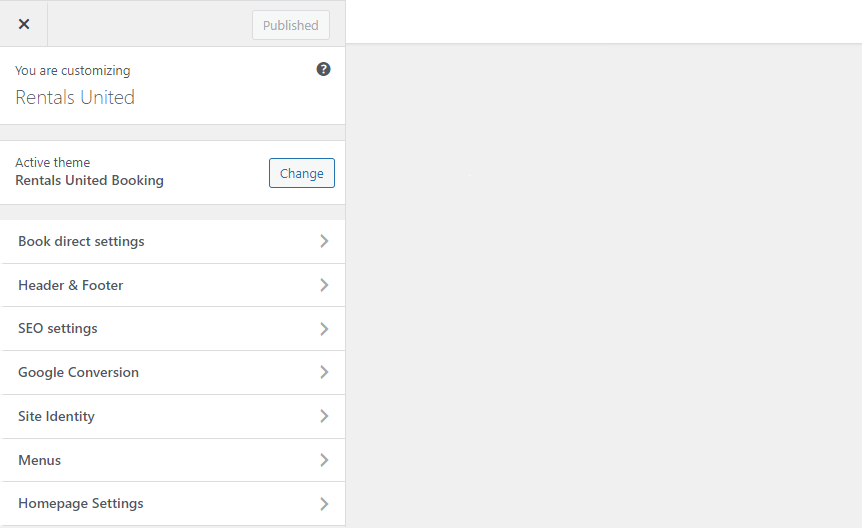
Open Book Direct settings.
-
Select Cross-site styles. Manipulate the colours and see how they are displayed on the page. You can see the live preview on the right.
-
Click
 to save the changes!
 -
Changes are immediately visible on your website.