Favicon is a small icon displayed on the tab of the browser. It identifies the website when opened among multiple tabs in a window and after being added to bookmarks.

-
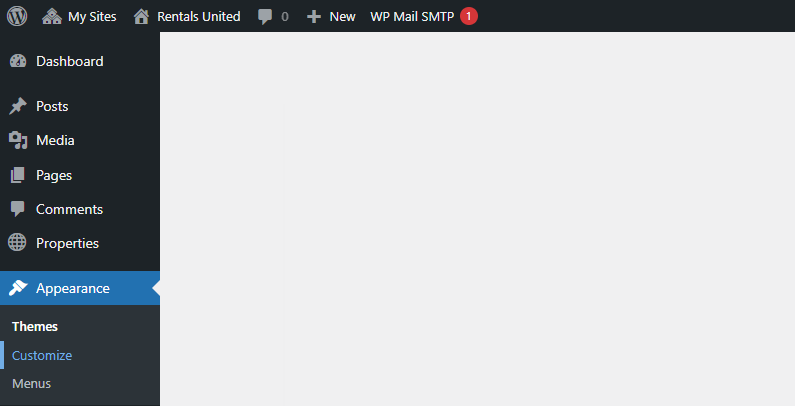
Go to Wordpress Admin and open the management menu.
-
Select Appearance > Customize.
-
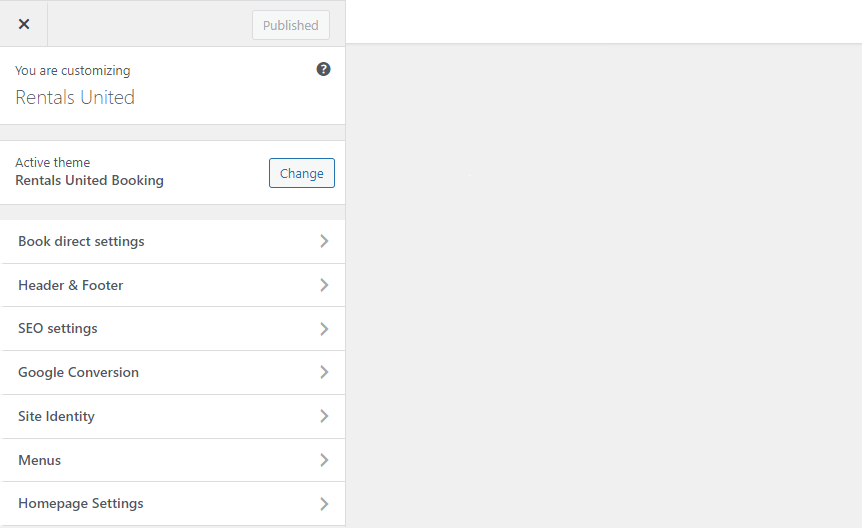
Open Site identity.
-
Scroll down to Site icon. Click Select site icon.
-
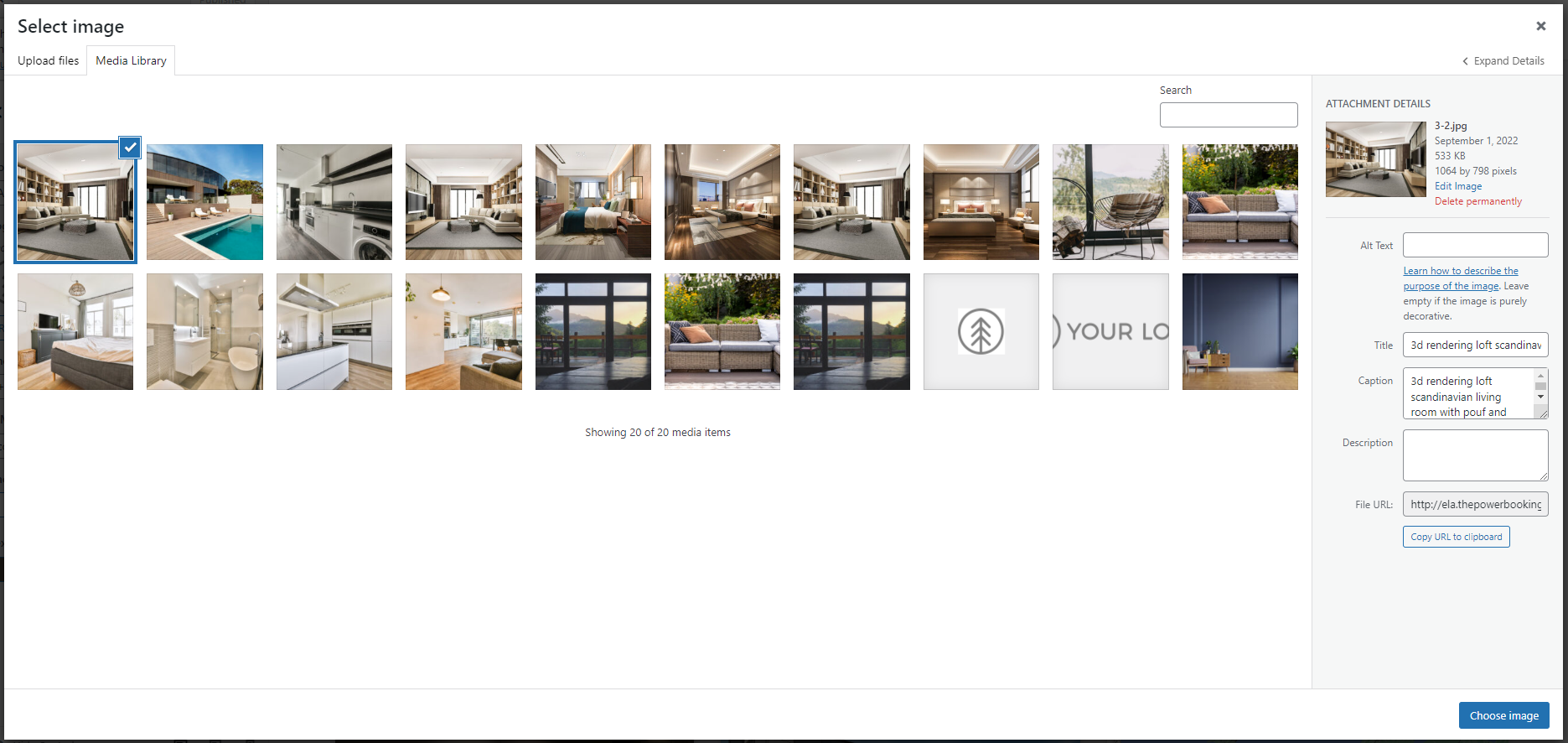
A new window opens. If you uploaded any images before, you can find them in the Media library. Otherwise, switch tabs to Upload files and browse your computer. Select the favicon and click Select in the bottom right corner.
-
You can crop the image to match the size requirements, if required. The favicon cannot be larger than 512 x 512 px.
-
Click
 to save the changes!
 -
Changes are immediately visible on your website.
