Go to your Services tab in Rentals United and unfold My Website section. Click the cross icon in the top right corner. Then, click Yes, remove in order to proceed. The My Website service is removed from the list, but you can connect back to it any time you want.
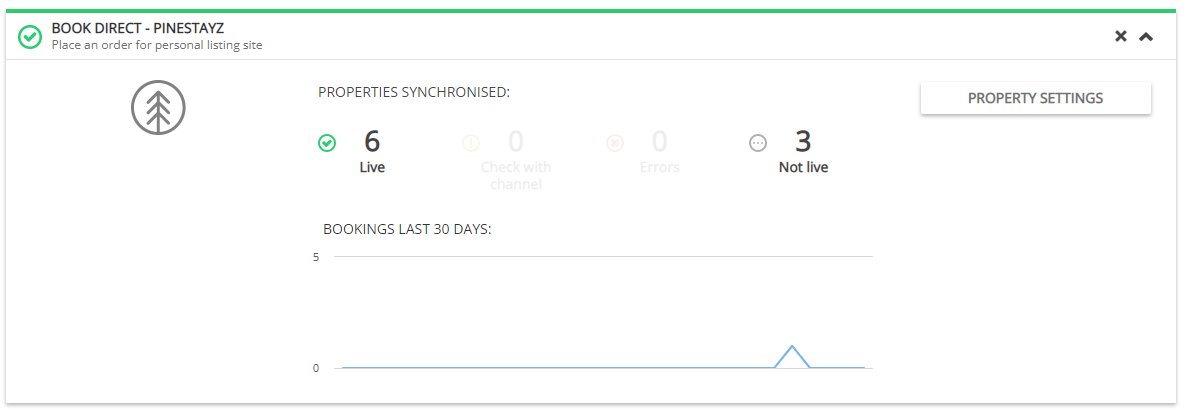
Note: If you have some properties connected (being live on your website), first you need to go to Property Settings and disconnect them all. To do so, follow the instructions here.
Once you delete you website, then the following actions will happen:
-
your website will no longer be accessible
-
your address will be released