You may have done some unwanted changes to the property content directly on My Website that are difficult to revert. In this case you may synchronise your properties again and overwrite your custom edits. All you need to do is to re-sync your properties in Rentals United.
Note that re-syncing causes all property information (description, images, etc.) that you currently have in My Website will be overwritten with data you have in Rentals United. In case you edited individual property content on My Website, these changes will be lost. Any pages that you created or colour/style changes will be left intact.
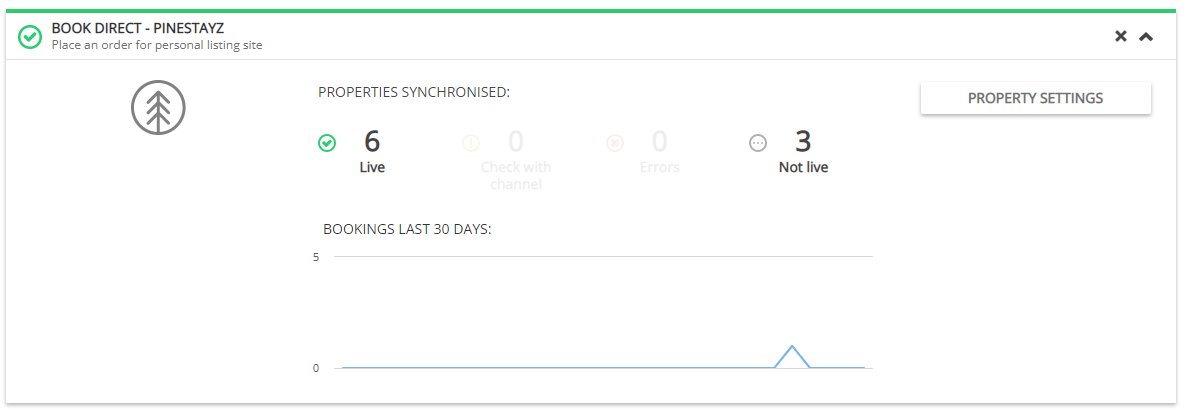
You can access Property Settings from your Services tab in Rentals United. Just unfold My Website section and click Property Settings.
-
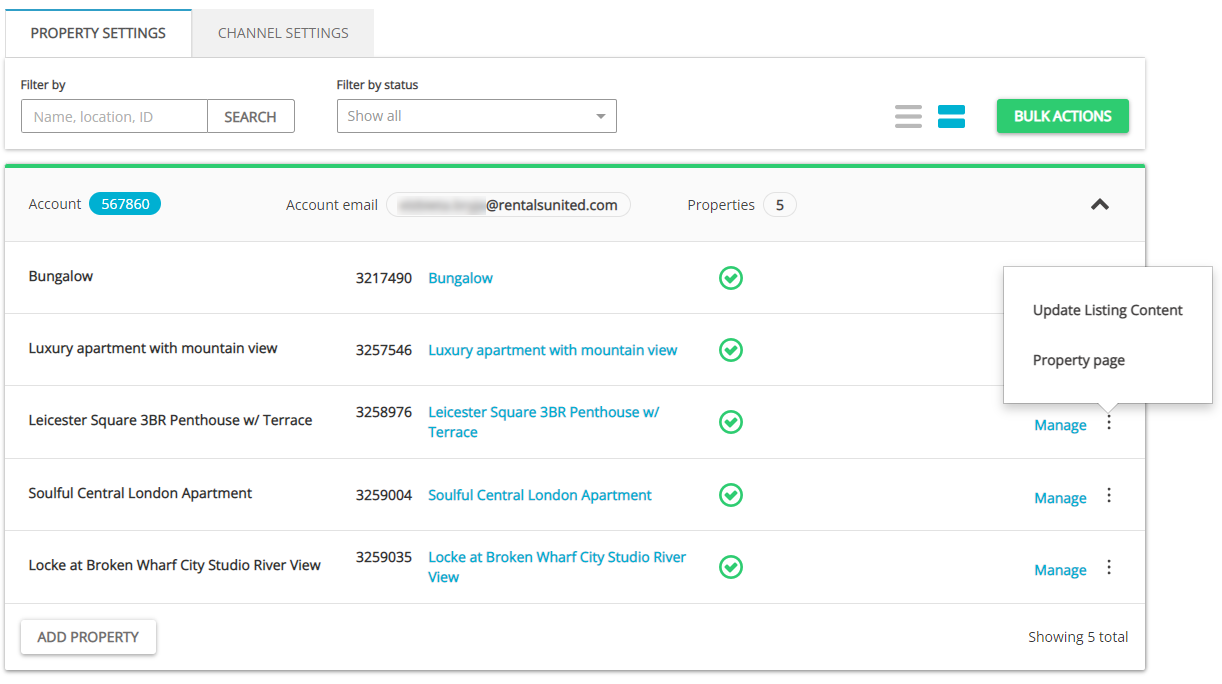
Switch the tab to Channel Settings on top of the page.
-
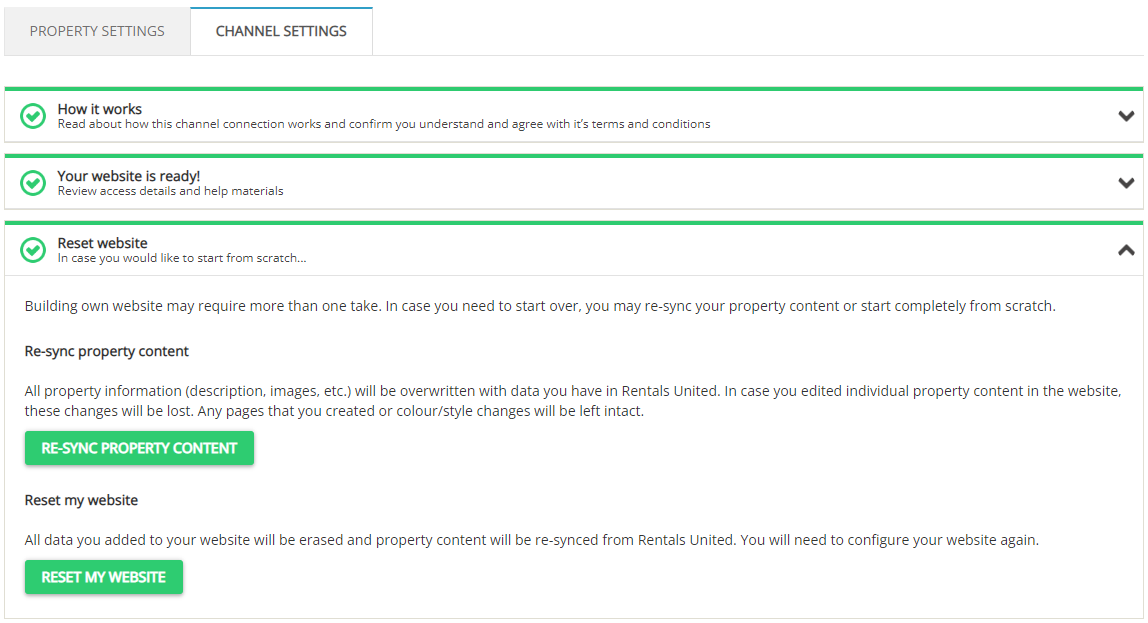
Click on the Reset website tab. The section unfolds.
-
Then, click Re-sync property content. The notification window pops up. Confirm your action to proceed. You will see a pop-up window once the process is complete.
-
Your listings should display only the data that you have in Rentals United.