Amenities
Rentals United retrieves also basic information about the property's layout, number and composition of rooms, as well as amenities available at the property.
The property amenities are mapped between PMS and Rentals United. However, please note that not all of them can be successfully mapped, as they appear variously for PMS and Rentals United. If you want to learn the details of the mapped amenities, it is possible to request a full summary of mappings. In order to do that, contact the Rentals United Support Team.
Rentals United also offers various options to synchronize the amenities from your PMS. For more information, please see PMS Settings.
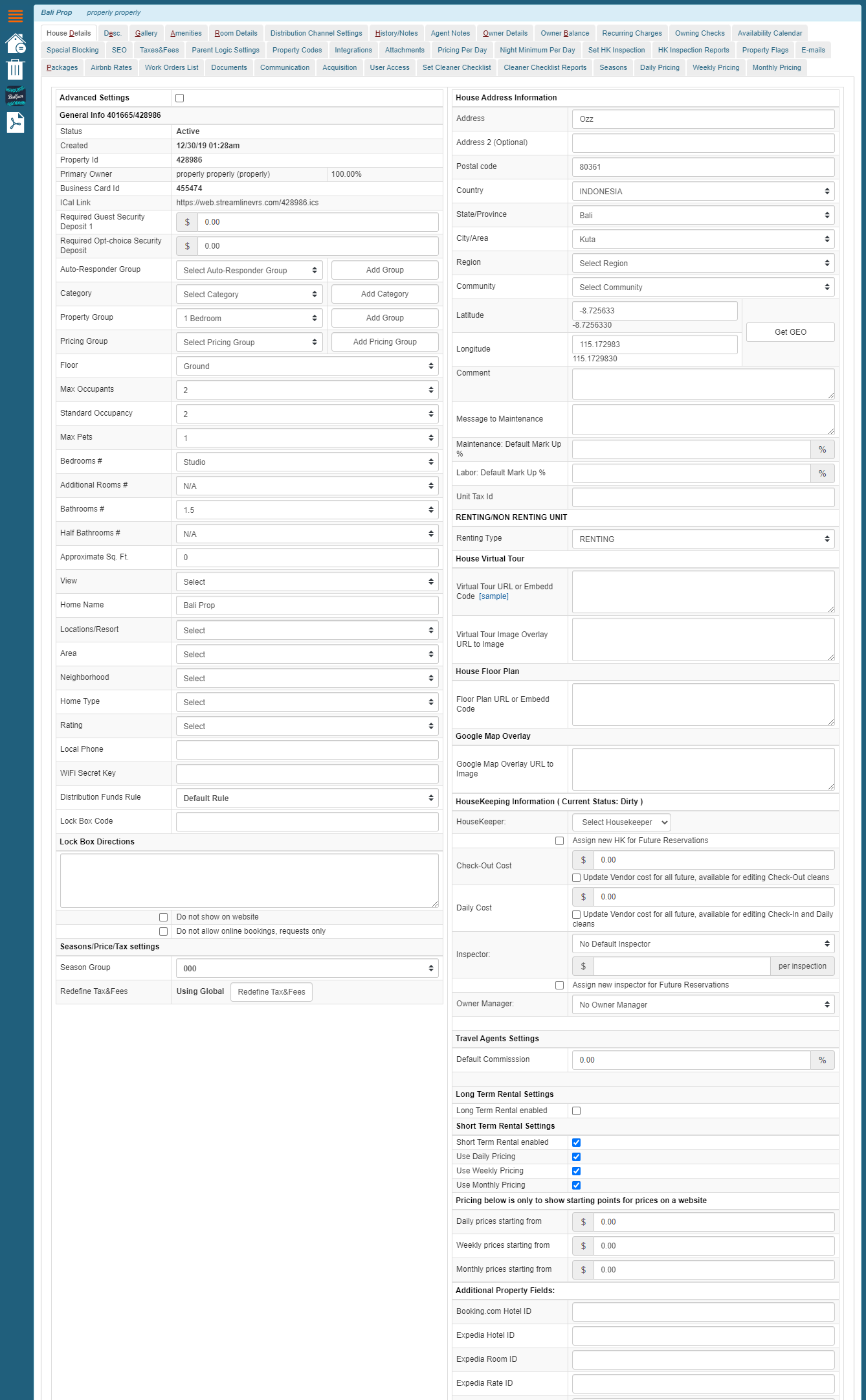
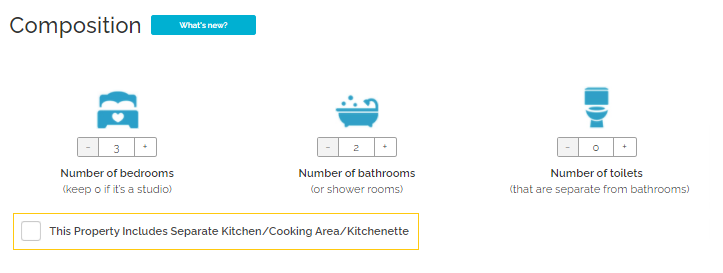
Number of bedrooms

Number of bedrooms refers to the overall number of rooms intended to sleep.
|
|
In Streamline VRS: Tools > Home > Edit property > House details > Bedrooms # |
Number of bathrooms
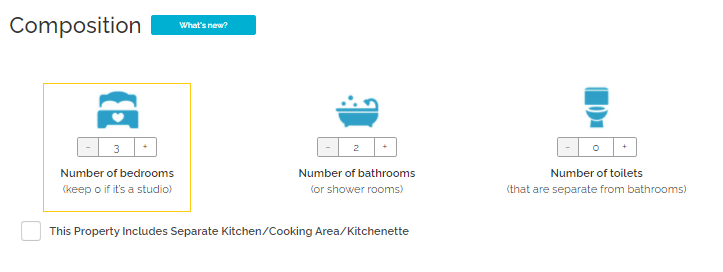
Number of bathrooms refers to the overall number of bathing rooms with a shower or a bath.
|
|
In Streamline VRS: Tools > Home > Edit property > House details > Bathrooms # |
Number of toilets
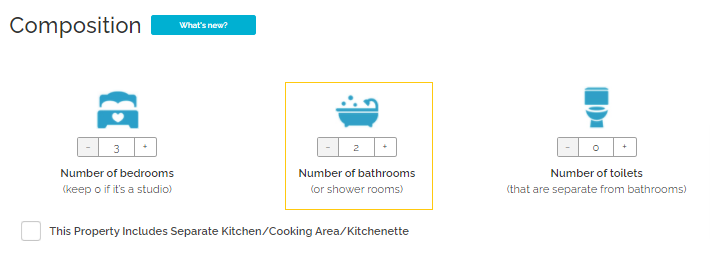
Number of toilets refers to the overall number of WCs.
|
|
In Streamline VRS: Tools > Home > Edit property > House details > Half Bathrooms # |
Kitchen
Kitchen refers to the separated kitchen area within the property. If you tick the separate kitchen checkbox, then a kitchen room type will be created at your property. In Rentals United it is treated as a room type.
|
|
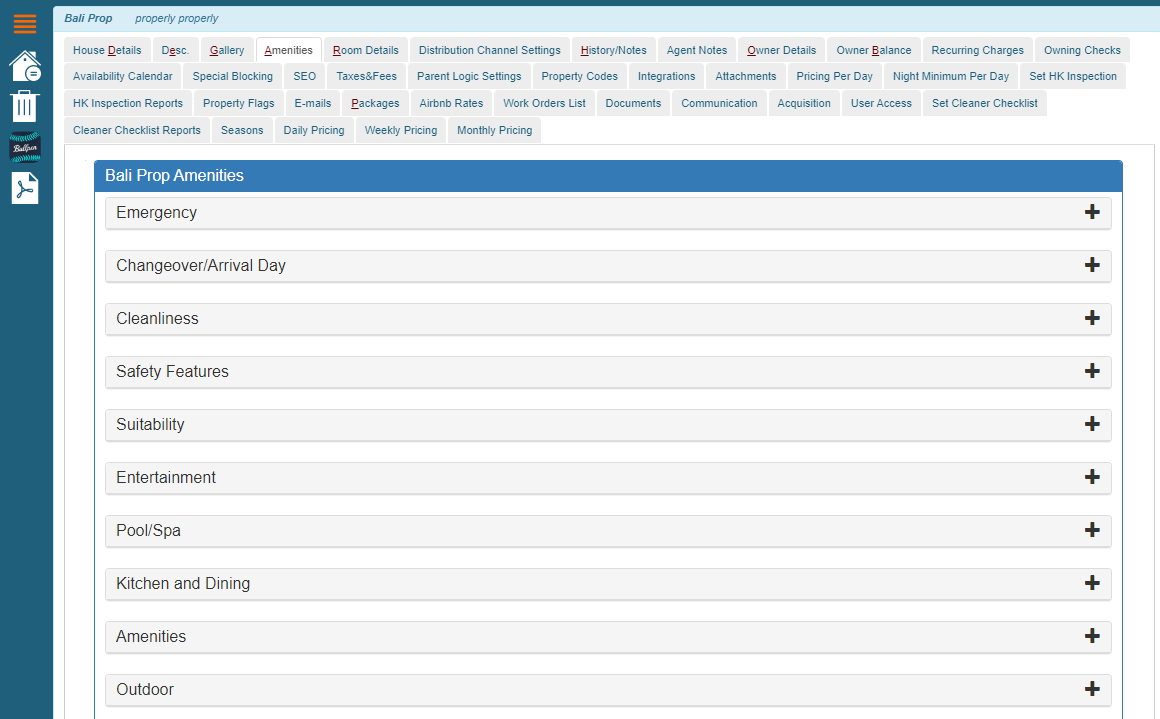
In Streamline VRS: Tools > Home > Edit property > Amenities > Kitchen and Dining > Check Kitchen checkbox |
Bed types
After being reviewed, bed types are mapped between Streamline VRS and Rentals United. For the full list of beds which are passed to Rentals United, please contact the Rentals United Support Team.
Bedding composition
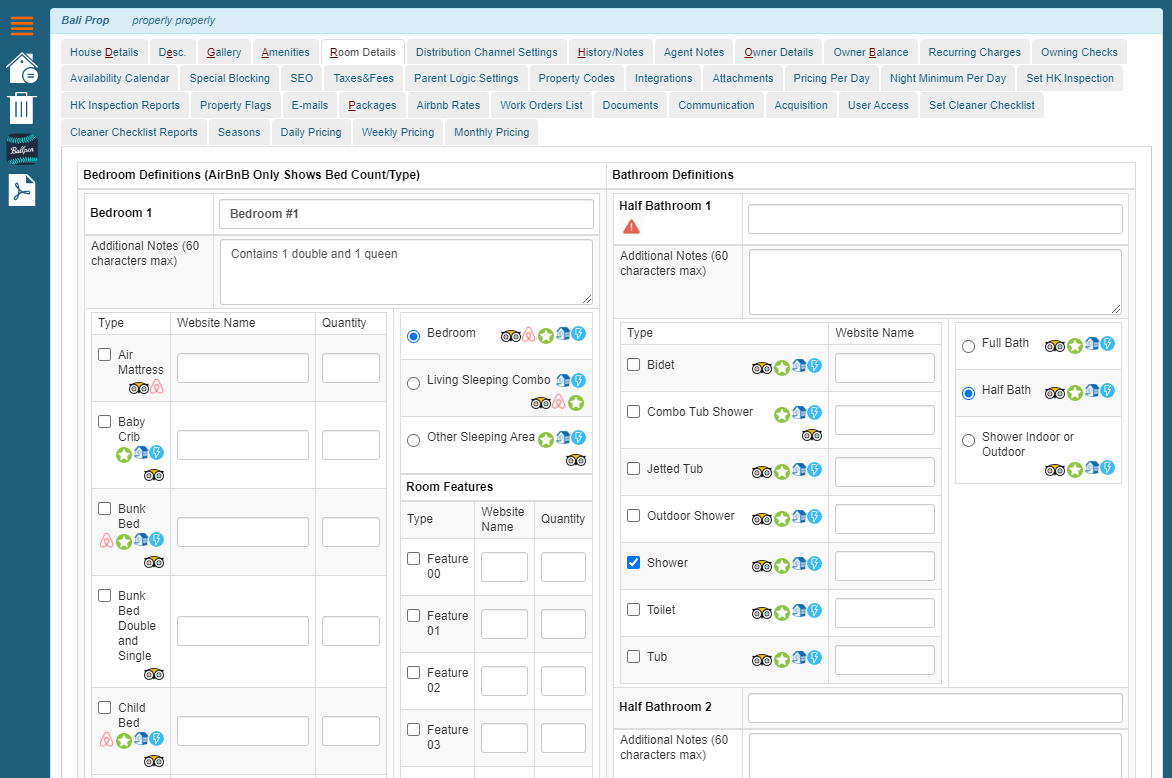
Streamline VRS provides a feature to distribute beds across rooms and the property layout is preserved when synchronized to Rentals United.
|
|
In Streamline VRS: Tools > Home > Edit property > Room details |
Amenities distribution across rooms
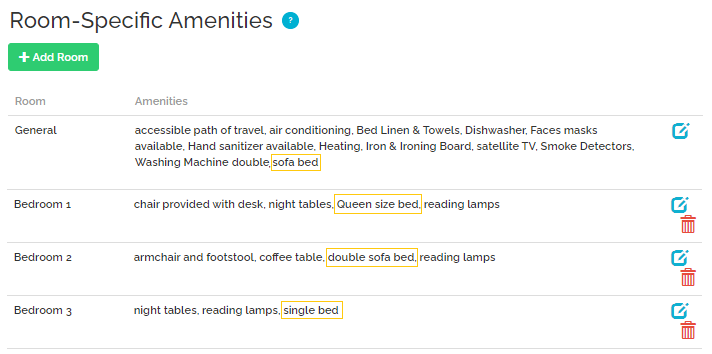
Streamline VRS provides a feature to distribute amenities across rooms and the property layout is preserved when synchronized to Rentals United.
|
|
In Streamline VRS: Tools > Home > Edit property > Amenities |
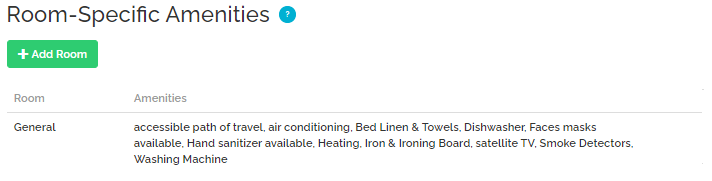
Additionally, Rentals United adds 3 additional amenities, depending on the value of the following fields in the property and advertiser configuration.
-
Children Welcome > Suitable for children / Children not allowed in Rentals United
-
Smoking Allowed > Smoking allowed / Smoking not allowed in Rentals United
-
Pets Allowed > Pets allowed / No pets allowed in Rentals United
If you select the kitchen amenities (KITCHEN_...) in Streamline VRS, Rentals United will place them in the Kitchen room type (KITCHEN_DINING_KITCHEN) in the Amenities distribution across rooms.
|
|
The Bedroom room is created from <roomSubType>BEDROOM</roomSubType> and the bedroom amenities are passed in <bedroomFeatureName>.
|
|
The Bathroom room is created from <roomSubType>FULL_BATH</roomSubType> and the bathroom amenities are passed in <bathroomFeatureName>.
|
|
The WC room type is created from <roomSubType>HALF_BATH</roomSubType> and the bathroom amenities are passed in <bathroomFeatureName>.
|
|
If you select Common space in Streamline VRS, Rentals United will create a Living room/Bedroom room type in the Amenities distribution across rooms section. It will be passed as <roomSubType>OTHER_SLEEPING_AREA</roomSubType>.
|
|
