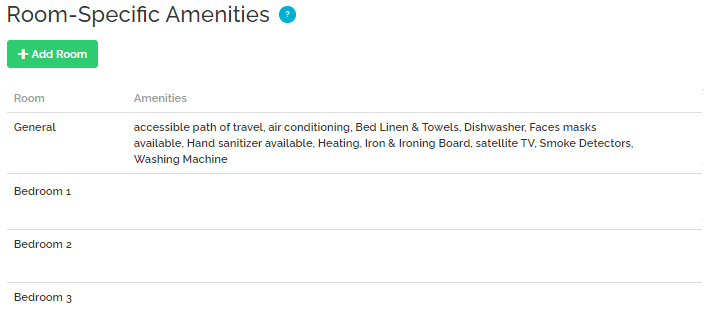
Synchronization of amenities and amenities-related information from RNS is supported, but turned off by default. This is because RNS does not have a predefined list of amenities and its clients can use amenities with custom names in a non-standard format. This rules apply to the following data:
-
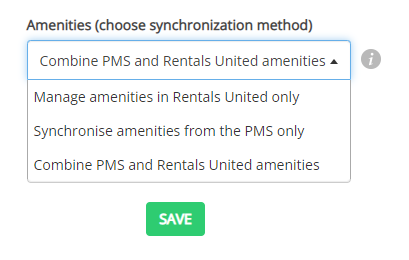
amenities (including amenities distribution) > find Manage amenities in Rentals United only set by default in PMS Settings,
-
bedding information (including property layout and beds distribution) > you can find the Bedding info checkbox being unchecked by default in PMS Settings.
Tip: Why adding amenities directly is recommended?
-
save time and skip the mapping process
-
choose exact amenities that best describe your property
-
create exact rooms and property layout
-
distribute amenities across the rooms
-
no need to contact Rentals United and request mapping of every new property
If you want to proceed with mappings, please contact the Rentals United Support Team. You will have to work with us to compile a list of mappings for your account. Every time you add a new amenity in RNS, you will need to inform Rentals United to map it for you.
Your amenities will automatically start flowing from RNS based on the general mappings we have in our system. Note that the list of mapped amenities is insufficient and we strongly discourage you from using this option. Note that you can contact the Rentals United Support Team and request a full list of general amenities and bed mappings any time.
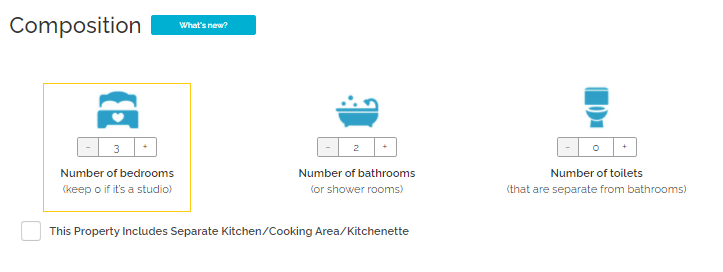
Number of bedrooms

Number of bedrooms refers to the overall number of rooms intended to sleep.
|
|
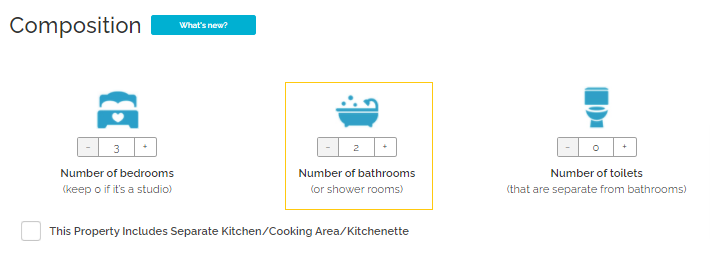
Number of bathrooms
Number of bathrooms refers to the overall number of bathing rooms with a shower or a bath.
|
|
Number of toilets
Number of toilets refers to the overall number of WCs.
|
|
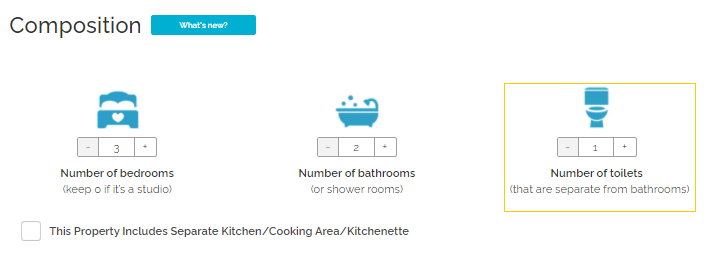
Kitchen (N/A)
Bed types
If you turned synchronization of Bedding info on, your beds are passed to Rentals United on the basis of general and/or custom mappings.
|
|
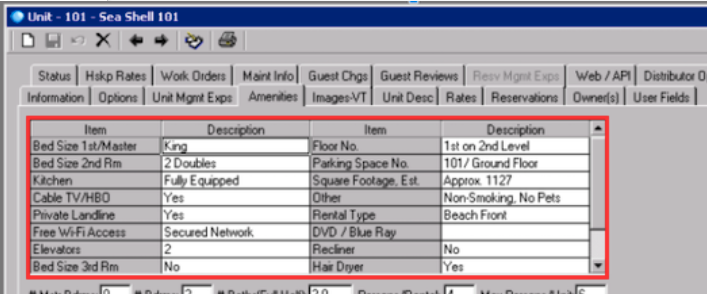
Bedding composition
Beds synchronized from RNS are not distributed across rooms. All mapped beds available at the property will be listed in the General section.
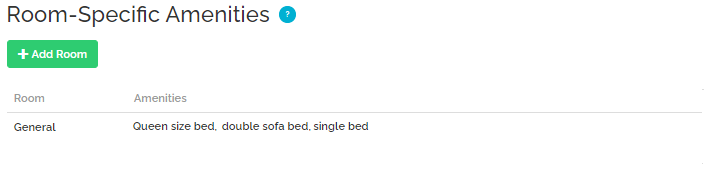
Amenities distribution across rooms
Amenities synchronized from RNS are not distributed across rooms. All mapped amenities available at the property will be listed in the General section.
Rentals United will re-create the property layout based on the information provided by RNS:
|
|