Quote requests
Channel quoting Rentals United/PMS
Quoting is the stage when the channel double-checks availability and prices before reservation creation. Such a quote is by default limited to Rentals United. This means that Rentals United is the only source of truth. The channel is provided with the information available in our system at the time of reservation creation.
-
PULL channels - by default the quote is disabled and the channel is provided with the prices registered in the Rentals United system. There may be exceptions to this rule, depending on the channel's implementation of Rentals United API. For more information, please see Rentals United API Portal.
-
PUSH channels - some channels use the data available in their system while the reservation is being made, some channels perform a quote to Rentals United. See Channel Integrations for details of each channel's integration. Note, however, if the quote is performed, it is usually limited to Rentals United.
-
Reservation inserted through Rentals United platform or Book Direct - a quote to PMS is always performed prior to the reservation. In this case, the inserted reservation will feature data quoted from PMS.
Rentals United quoting PMS (N/A)
Another type of quote request is used before a booking is made. It serves to obtain additional information to calculate the final price, for example fees and taxes etc. For PMS on HomeAway 4.2.1 this type of quote is not supported.
Inserting a reservation
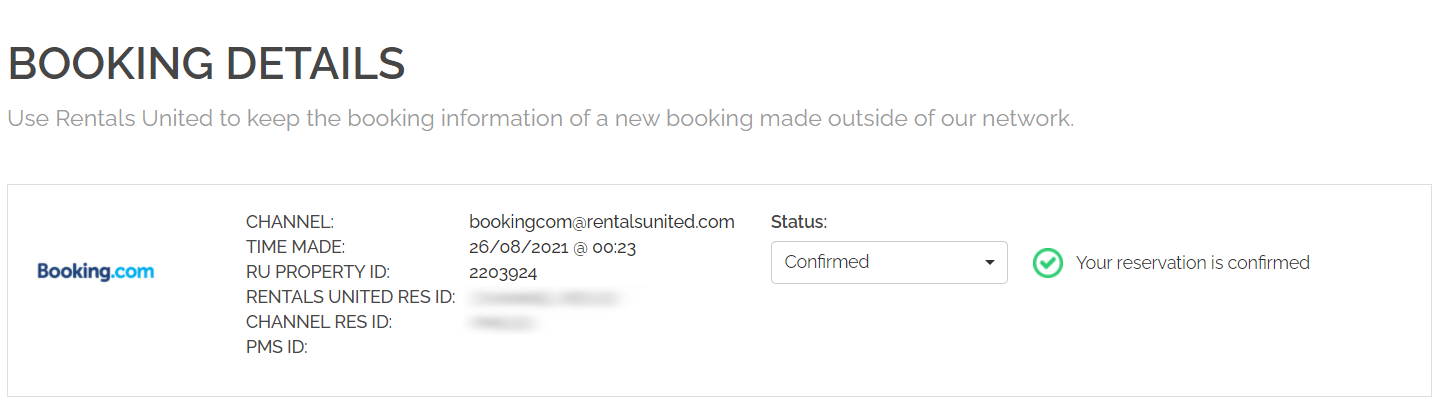
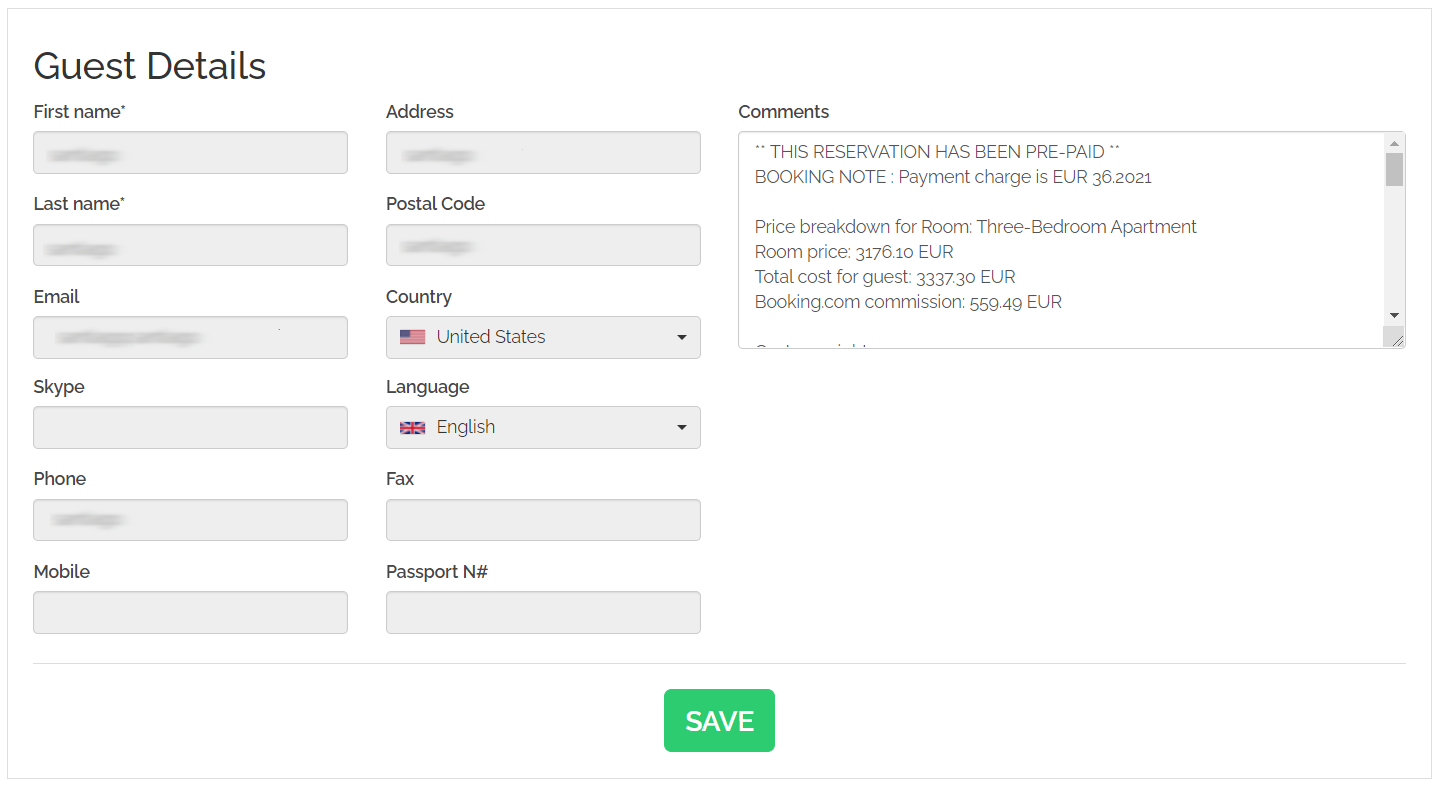
Bookings are inserted into PMS on HomeAway 4.2.1 instantly after Rentals United retrieves them from a Sales Channel. The reservation details are displayed in Rentals United and transferred to PMS on HomeAway 4.2.1.
In order for the reservation retrieval to work, HomeAway 4.2.1 uses a dedicated booking processing system. Please, learn which version is required for a correct booking flow at Minimum requirements to connectto Rentals United.
CC details sync
Credit card details are passed to PMS on HomeAway 4.2.1 if only they are provided to Rentals United.
One-time access to CVC / CVV
The CVV details are shared with the user only once (via API method, inserted in PMS or via reveal credit card details function). Then, they are immediately removed from our system and cannot be accessed again by any means. If you need to retrieve them again (e.g. due to charging purposes), contact the sales channel or the guest. It only concerns the CVC / CVV and does not relate to other credit card details (i.e. credit card number or holder's name).
|
|
Overriding rent
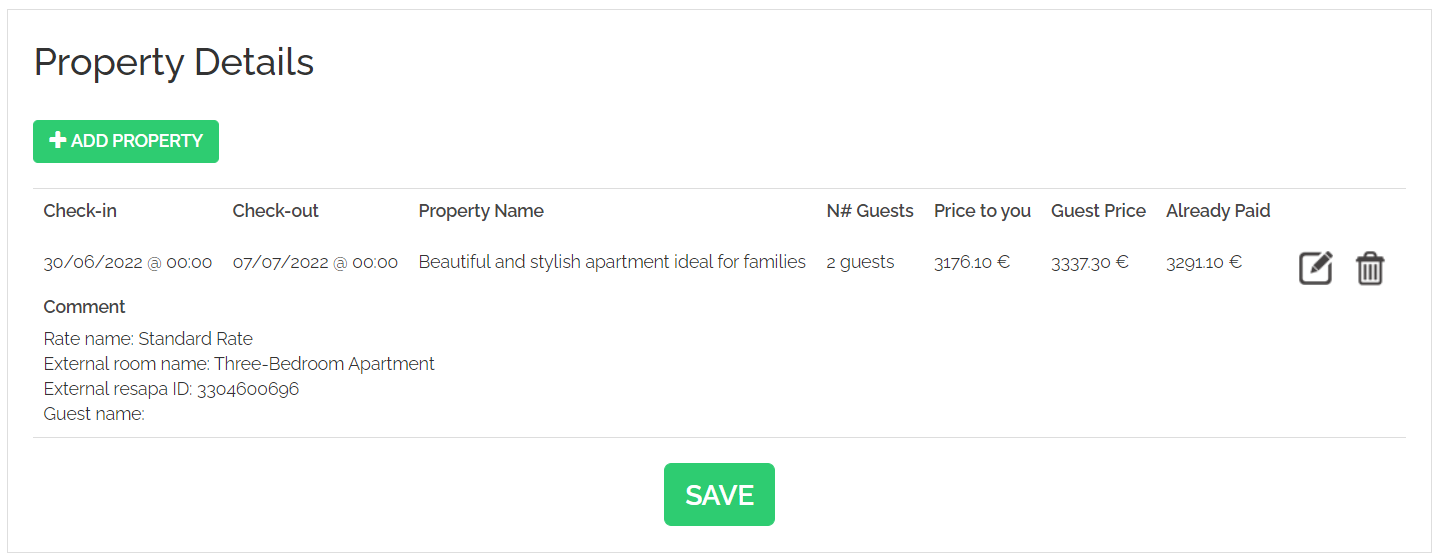
Reservations are always inserted into PMS on HomeAway 4.2.1 with the prices provided by the channel the reservation originated in. Rentals United does not add any additional charges on top of the price from a channel.
Depending on whether the channel quotes us for the reservation price or not, Rentals United inserts different price to the PMS:
-
if from non-quoting channels, e.g. Airbnb, we insert <Price to you>
-
if from quoting channels, we calculate the price on the basis of data provided from the PMS, i.e. daily prices, fees, taxes and insert this price to PMS
In case the price in your PMS does not match with the price in the channel or Rentals United, see this article: Why is there a difference between the reservation price in my PMS and in the channel?
Modifying a reservation (N/A)
Cancelling a reservation (N/A)
Handling reservation updates
While the HomeAway X.X is a great fit for the property data synchronization, it has some limitations when it comes to the reservation handling. The reason for that is its architecture.
HomeAway X.X assumes that the booking “lives” in the PMS system and the distribution party can only access this system and obtain the necessary data. This set-up expects that booking modifications and cancellations are agreed between parties outside the system, but changes are always initiated in the PMS and, then, synchronized. This approach is unique in the distribution market.
However, bookings are typically “owned” by the OTAs. It means they originate in the OTA and so do modifications and cancellations. Changes registered in the OTA’s system are then communicated to the PMS. This is not possible in the HomeAway X.X flow.
It is crucial that booking updates (modifications, cancellations) that take place in the channel can be successfully communicated to your system and hosts. In order to work around the HomeAway X.X limitation, we recommend implementing the Rentals United reservation flow.
Available API methods:
-
List reservations method allows you to retrieve bookings for a given property manager. This method features all bookings created or modified in a given time frame.
-
Get reservation by ID method allows you to fetch booking details for an individual booking.
-
Modify stay method allows you to modify an existing confirmed reservation.
-
Cancel reservation method allows you to cancel previously created reservations.
Rentals United also offers a way for to subscribe for reservation notifications in real time - please find all information in our API Portal.
Every reservation action that happens in the channels is reflected in Rentals United and instantly available for you to retrieve via our API. Once you implement it, you can take in new bookings, modifications and cancellations in real time. Please, contact the Rentals United Support Team in order to integrate and certify your connection.
Email notifications
The host/property manager will always get an email notifications about new reservations and any updates made to reservations. The address that the email is sent to is the email address (available at My profile). The notifications will be sent regardless of the source of the change as well as the integration type.
The email notifications are sent when:
-
request is created
-
existing request is confirmed
-
reservation is created
-
reservation is modified
-
reservation is cancelled
-
reservation is not inserted in the PMS
