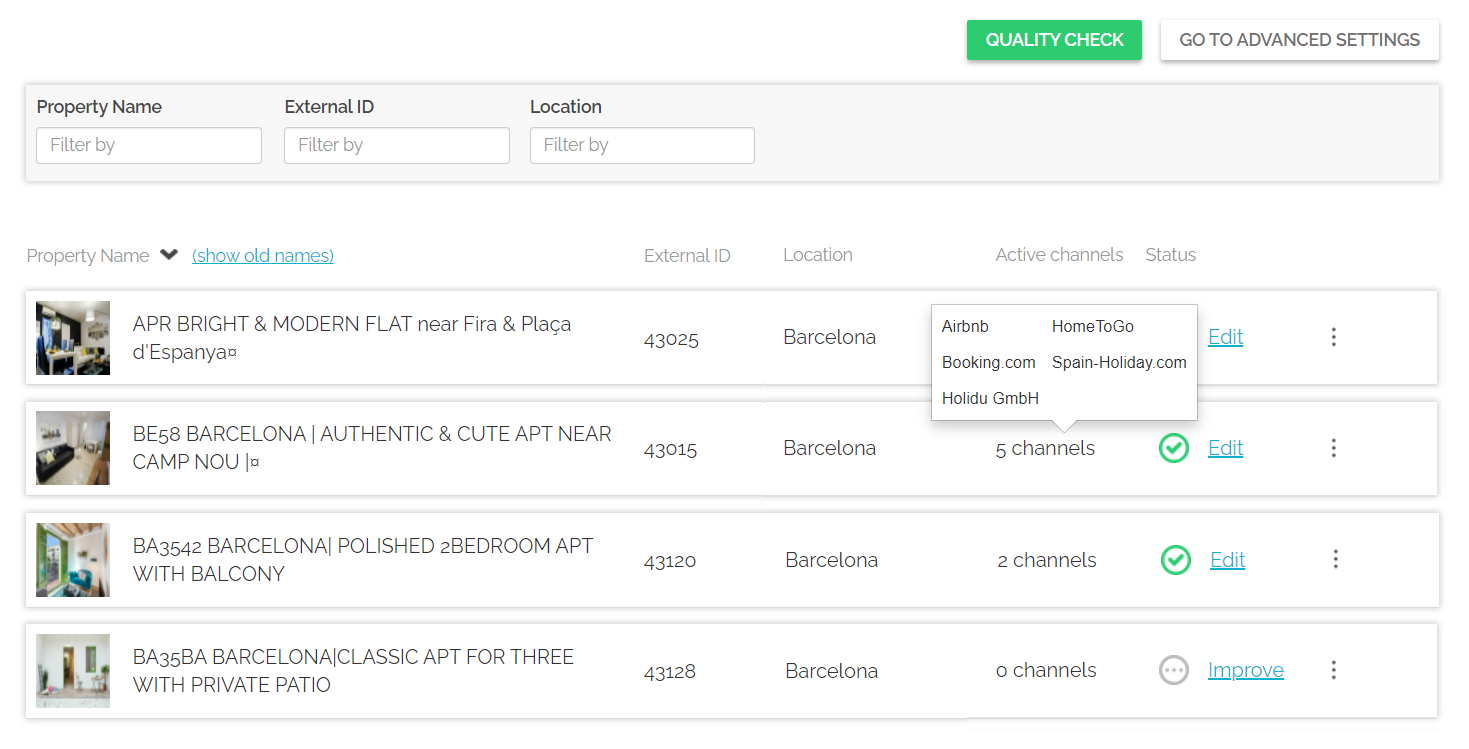
You may want to check which channels exactly the particular property is connected to without the need of searching through each channel's Property Page separately.
Log in to Rentals United and click on the Properties tab. Select the All properties tab. A list of all your properties gets opened. Hover over the Active channels column and you will see the whole list of channels in the pop-up. Note that the number in the Active channels column denotes how many channels this property is connected to.