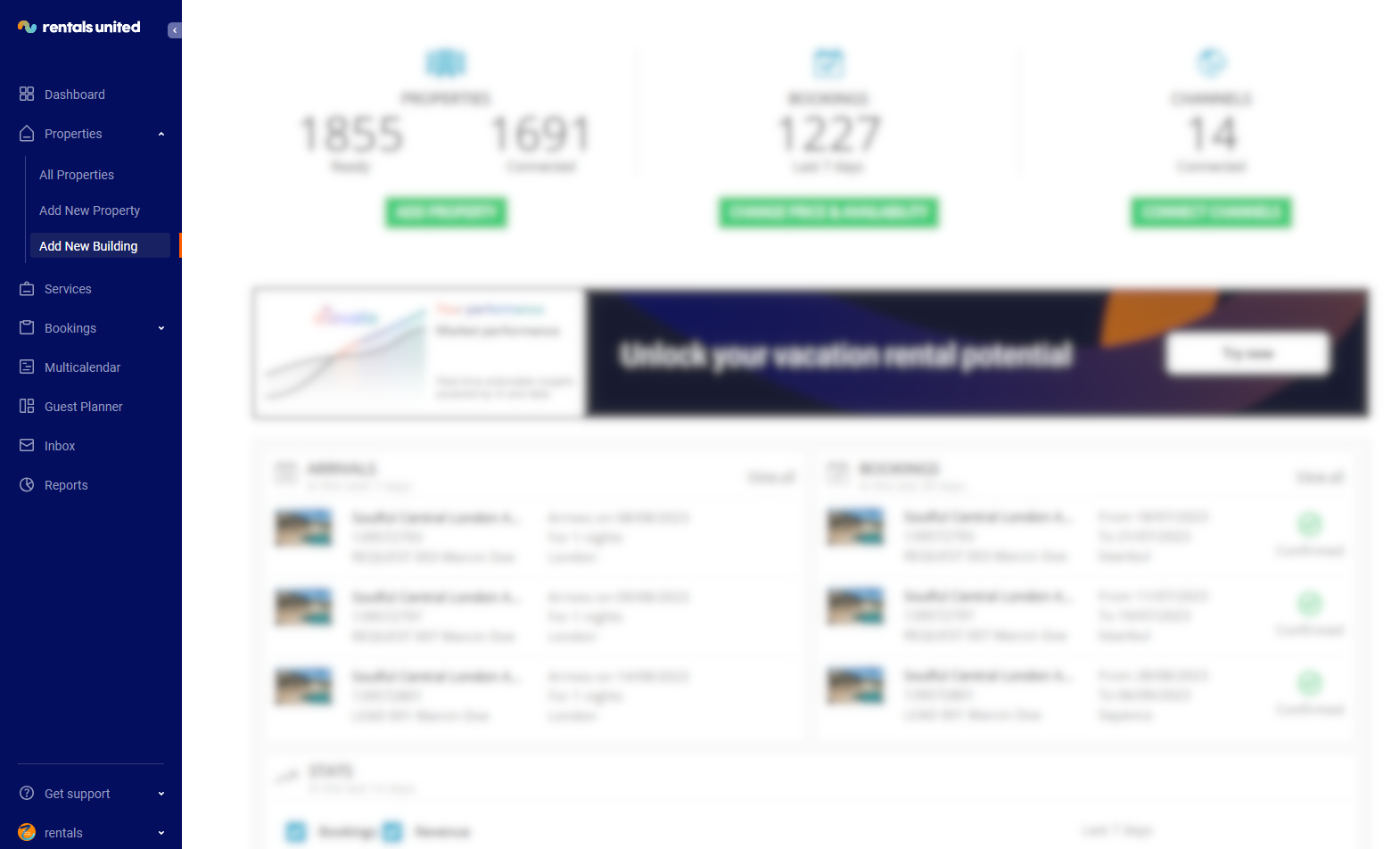
In order to add a new building, log in to Rentals United and click on the Properties tab of the main menu. Select the Add new building option. This option lets you add a so-called multi-unit property.
A multi-unit refers to a set of indistinguishable properties. These properties work the same way the regular properties do; however, they represent a number of properties with the same specification at the same address. An example of a multi-unit property is a set of identical hotel rooms.
 \
\
-
Click on the Properties tab and select Add new building option from the dropdown.
-
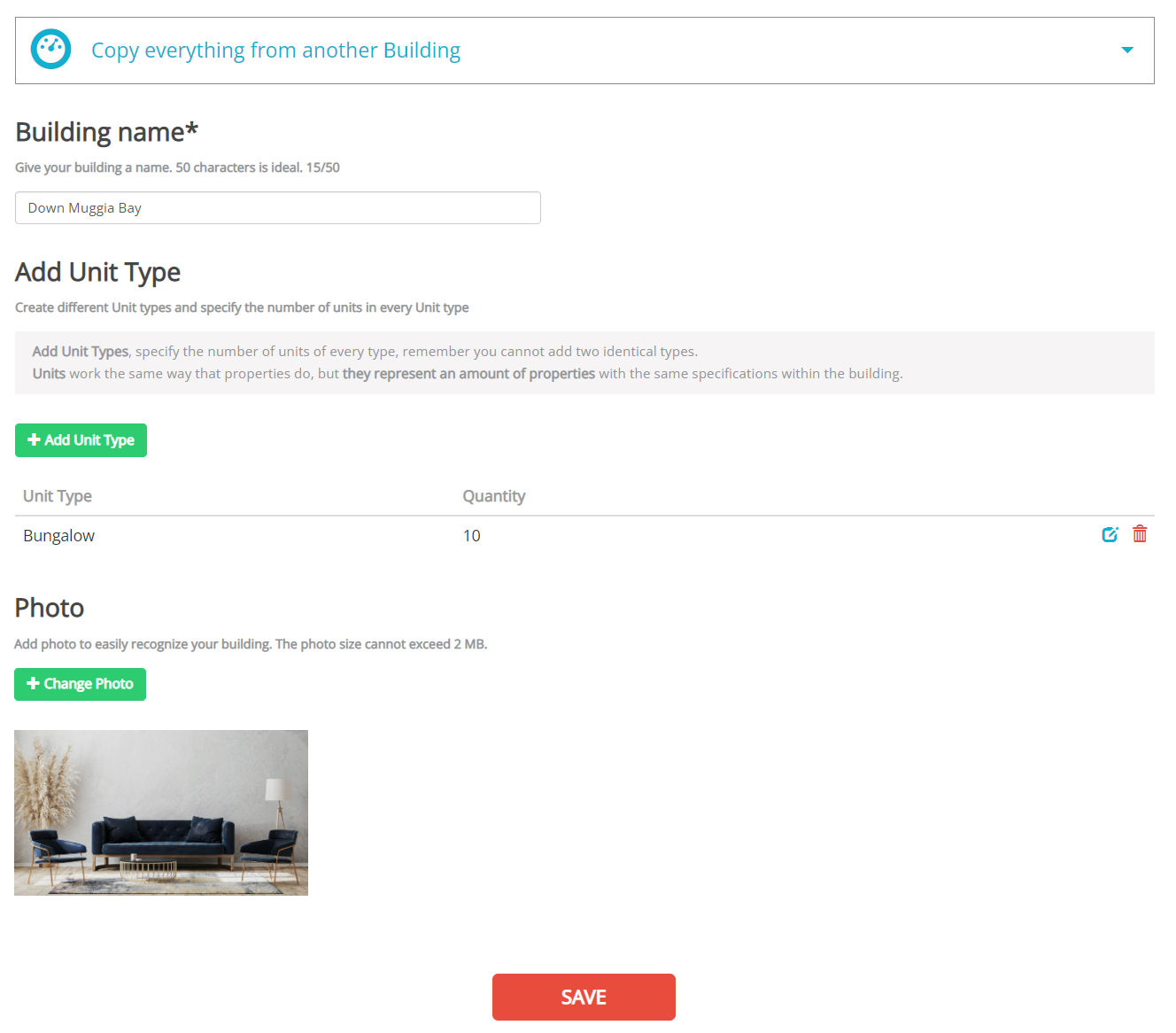
Add building page opens where you need to provide all necessary details.
-
Define the name of your building, first.
-
Add unit types that are available at your building and define their number.
-
Provide the main photo of the building.
-
-
Click Save.
-
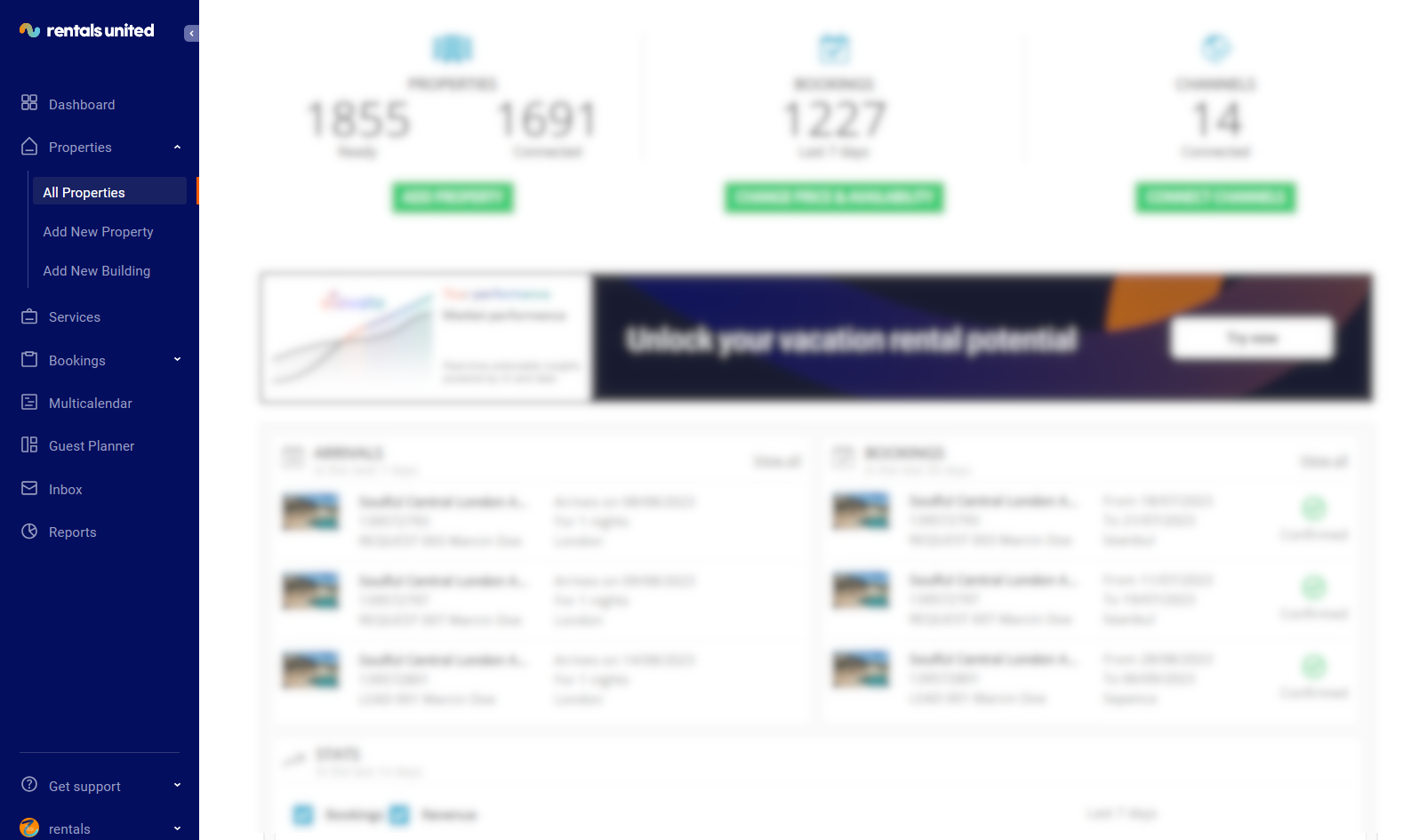
Go to All properties.
-
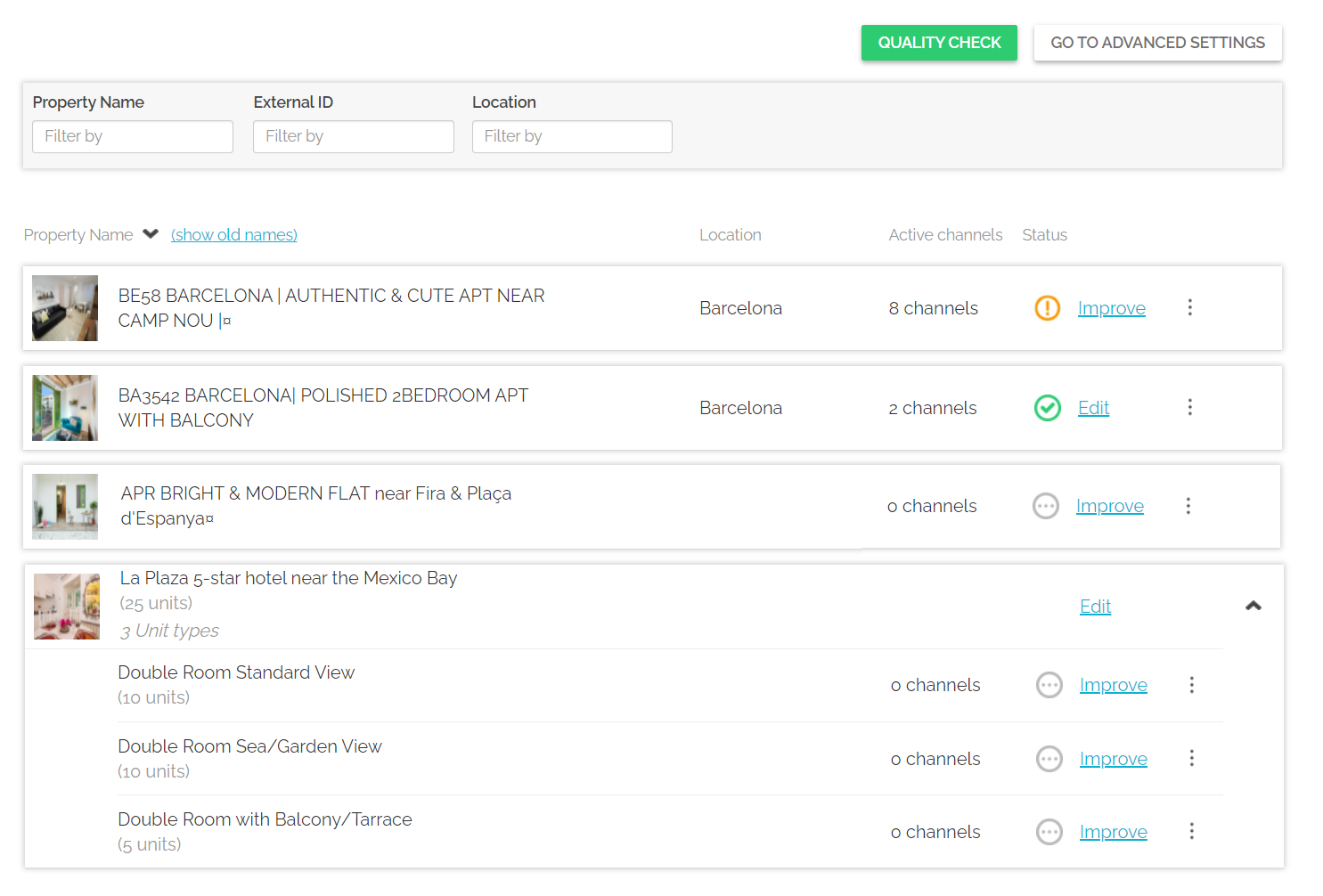
The building and all the related units are displayed within the All properties list. At this point, you can improve the contents of each unit following the way it is done for regular properties. Please, see Edit properties.