Batch content update allows you to synchronise static content changes made in Rentals United to the HRS channel. In this article, you can read how to update multiple properties in a single go. Use the option to update properties in batch if:
- you have made changes in Rentals United to multiple properties and want to save time by updating them all in batch
- you are not interested in automatic update feature and prefer to have full control over the time and frequency of your updates
-
Click the Bulk actions button.

-
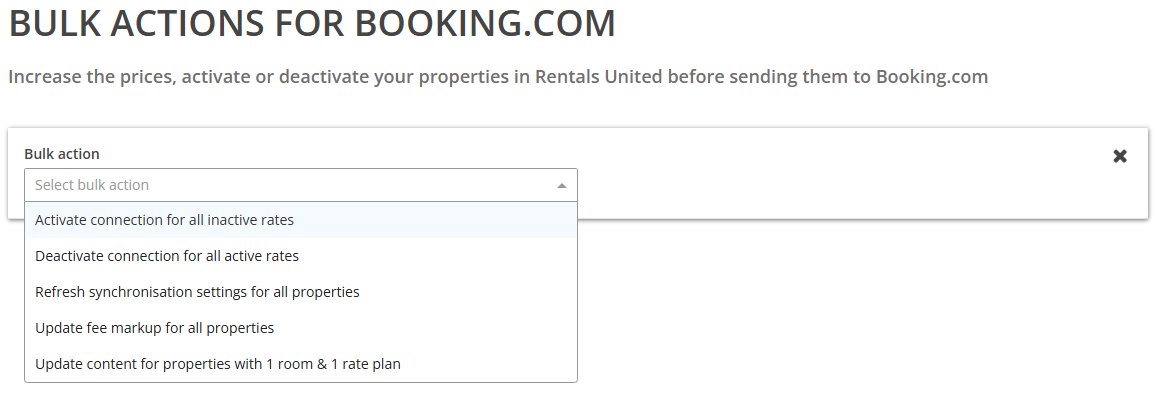
Select Update content for properties with 1 room & 1 rate plan from the dropdown list.
-
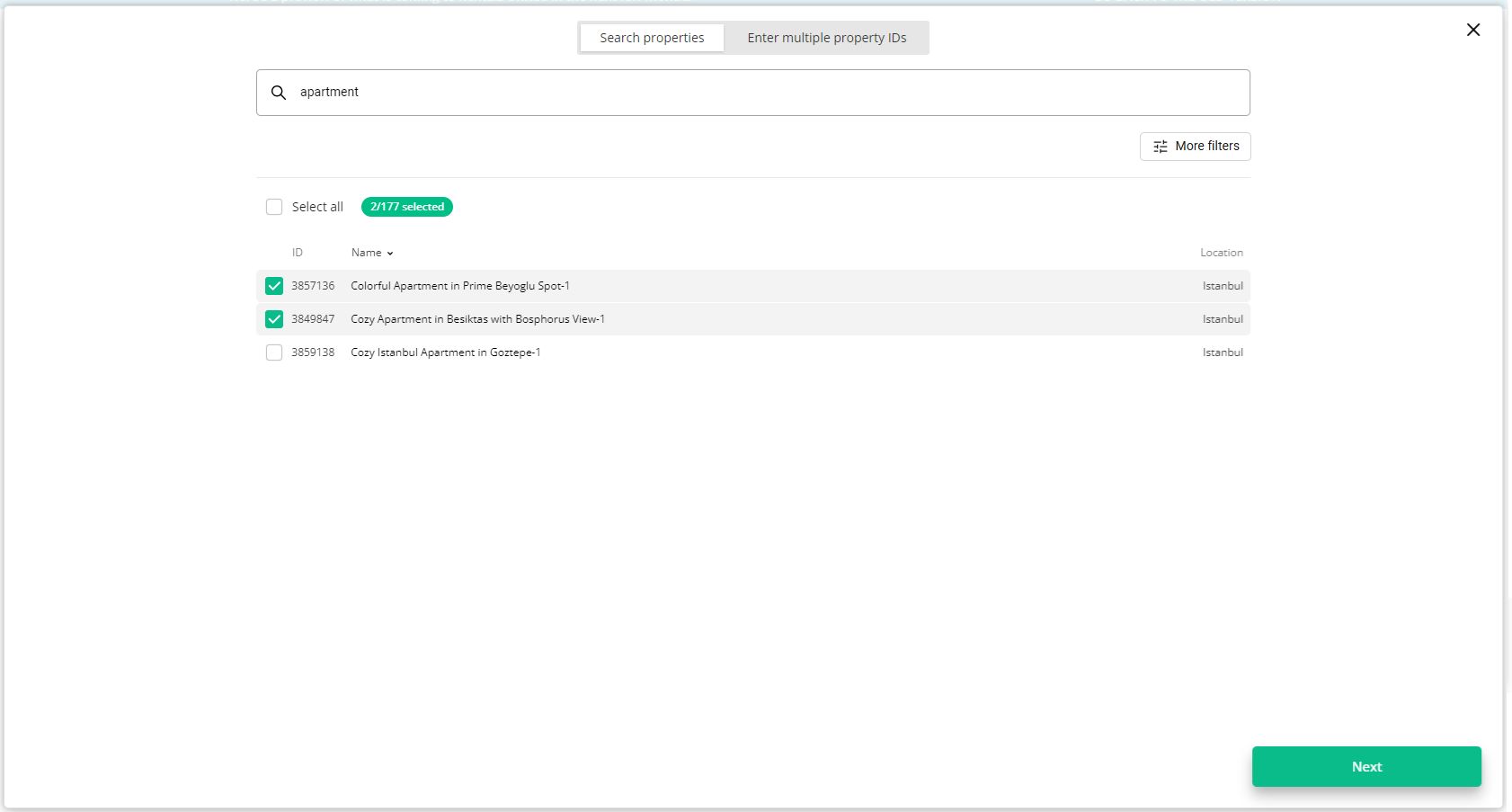
Choose the properties. You can read about the different ways of filtering and selecting properties here.
-
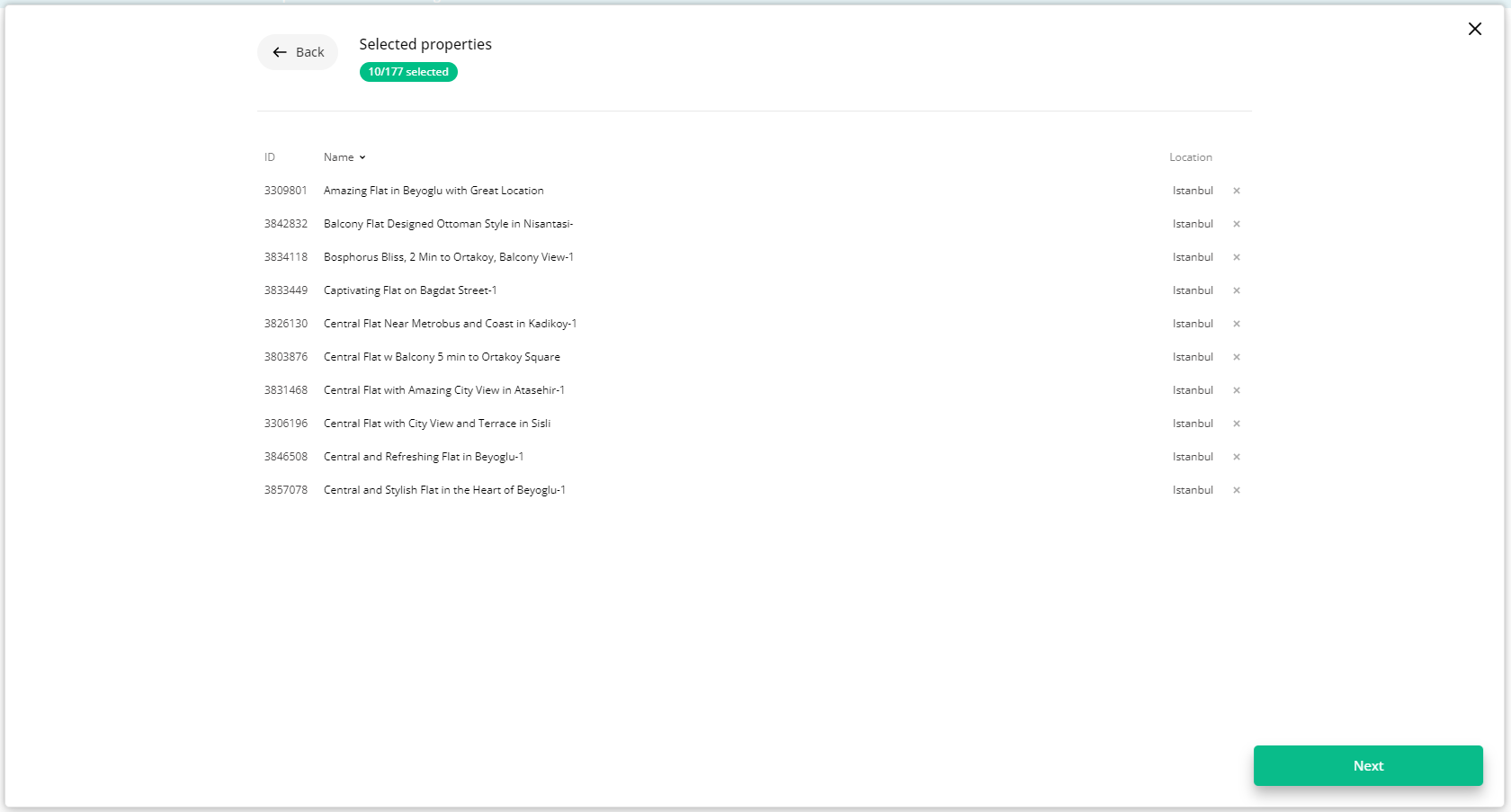
Click Next. You will see here the summary of all selected properties. Review the list and check if all properties are included.
-
Click Next to proceed.
-
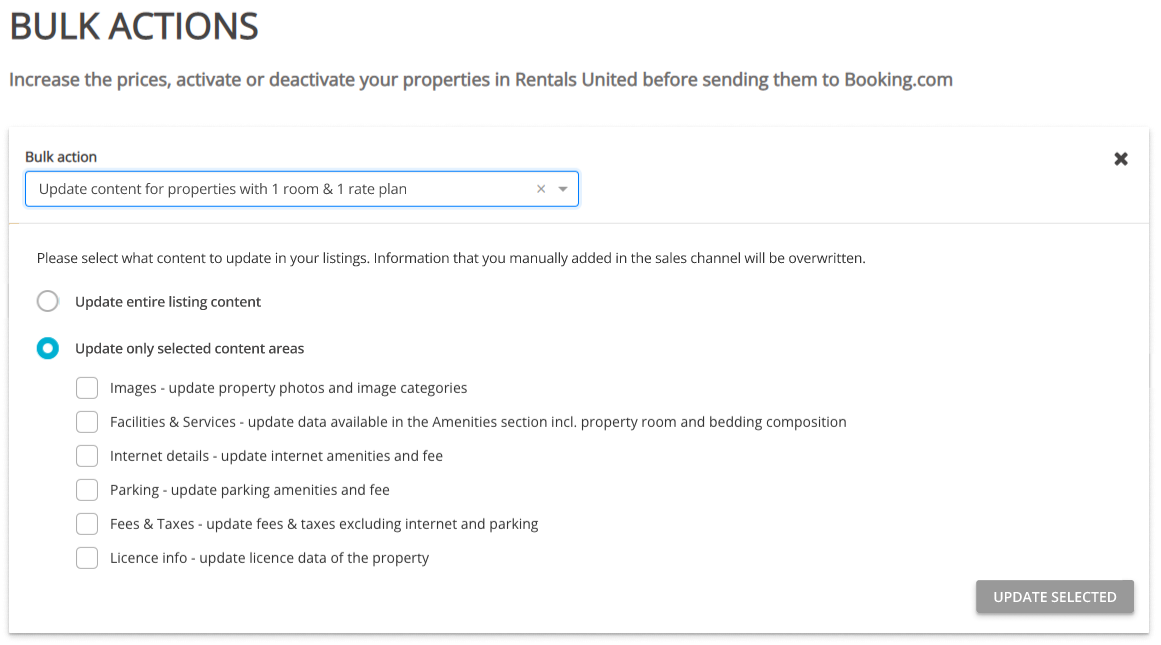
Choose if you want to perform a full or partial update.
-
Click Update selected and confirm your action by clicking Update listing content.